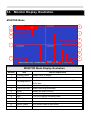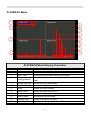
1
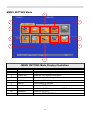
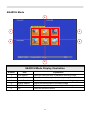
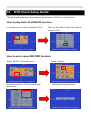
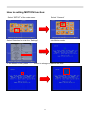
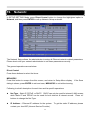
MENU SETTING Mode
3
2
4
1
5
9
6
8
7
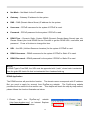
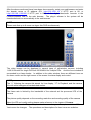
MENU SETTING Mode Display illustration
Number
Item
Explanation
1
Log In/Out
Login the DVR through the account
2
System info
Show the DVR system information
3
Video Adjustment
Adjust the camera setting
4
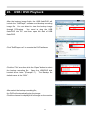
VGA Display
Adjust the VGA setting
5
Backup
Use the backup function
6
Setup
Enter the SETTING Mode
7
Firmware
Update the DVR firmware through USB Flash
8
Shutdown
Power off the DVR
9
Exit
Leave the MENU SETTING mode
26