1
D
A – Command Line Interface
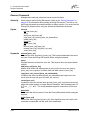
Date Command
Date Command
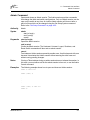
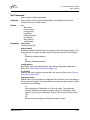
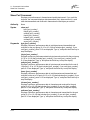
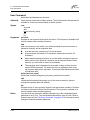
This command displays or sets the system date and time. To set the date and time
the information string must be provided in this format: MMDDhhmmCCYY. The
new date and time takes effect immediately.
Authority
Admin session except to display the date.
Syntax
date
[MMDDhhmmCCYY]
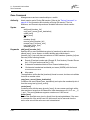
Keywords
[MMDDhhmmCCYY]
Specifies the date – this requires an admin session. If you omit
[MMDDhhmmCCYY], the current date is displayed which does not require an
admin session.
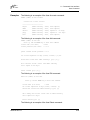
Examples
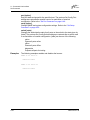
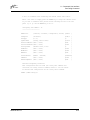
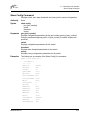
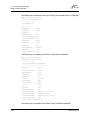
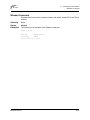
The following is an example of the Date command:
SANbox #> date
Mon Apr 07 07:51:24 2003
59056-00 Rev. B
A-13