1
3
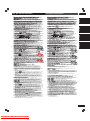
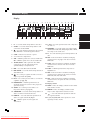
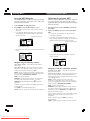
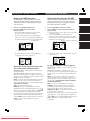
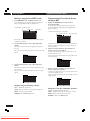
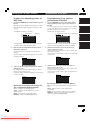
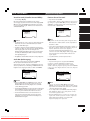
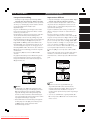
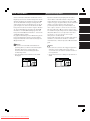
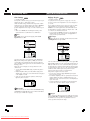
Controls & Displays
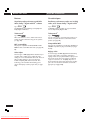
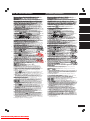
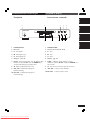
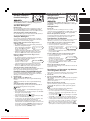
Display
1
2
3 4
V- PART
GRP
V OFF
TITLE D OFF
^
&
*
56 7
VCD
TRK
(
9 0 -
8
192kHz
96kHz
CHP
)
_
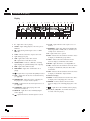
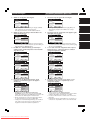
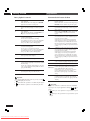
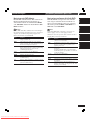
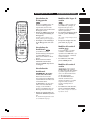
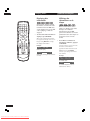
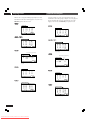
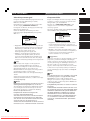
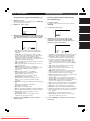
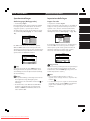
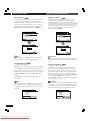
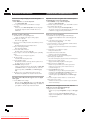
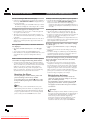
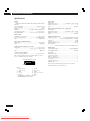
– Lights during a multi-angle section of a DVDVideo disc
4 V OFF – Indicates that video output is turned off
5 Lights during repeat play
6 VCD – Lights when a Video CD is loaded
CD – Lights when a Audio CD is loaded
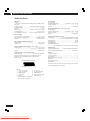
7 192kHz/96kHz – Indicates a DVD disc containing
high-sampling rate (192kHz/96kHz) audio is playing
8 DVD – Lights when a DVD is loaded
9 DVD-AUDIO – Lights when a DVD-Audio disc is
playing
– Lights when a Super Audio CD (SACD) is loaded
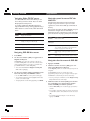
11 LAST – Lights when the disc has a bookmark memory
(see page 82)
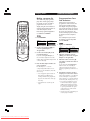
12 PROGRESSIVE – Lights when unit is outputing 525
line progressive scan (non-interlaced) video.
13 COND – Lights when the disc has had preferences set
(see page 84)
14 SURROUND – Lights when playing a disc with
TruSurround switched on
15 DOLBY D – Lights when a disc with Dolby Digital
audio is playing
16
– Lights when Remote Control Signal is received
40
En
Downloaded From DvDPlayer-Manual.com Marantz Manuals
¡
+
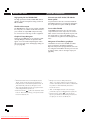
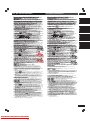
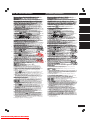
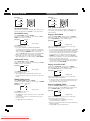
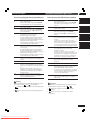
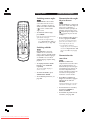
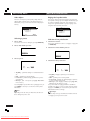
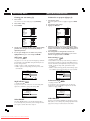
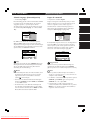
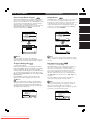
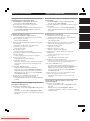
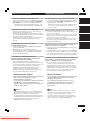
2 V-PART – Lights during playback of the video part of
DVD discs
10
~
@
!
#
$ %
PROGRESSIVE SURROUND
LAST COND DOLBY D
5.1CH
TOTAL REMAIN
DOWN MIX
L C R
LFE
LS S RS
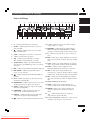
1 3 – Lights when a disc is playing
3
=
™
£
¢
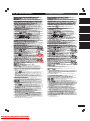
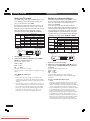
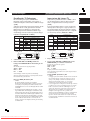
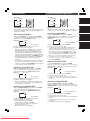
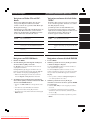
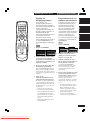
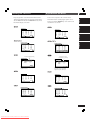
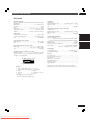
17 5.1CH – Lights when the audio ouput is set to 5.1
channel
18 DOWNMIX – Lights when multi-channel DVD-Audio,
Dolby Digital, DTS or MPEG audio is downmixed, for
example to two channel stereo
19 8 – Lights wheh a disc is paused
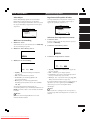
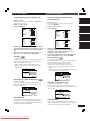
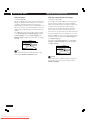
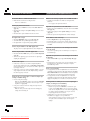
20 GRP – Indicates that the number below in the character display is a DVD-Audio group number
21 TITLE – Indicates that the number below in the
character display is a DVD-Video title number
22 D OFF – Lights wheh unit is set to Digital Out off
23 TRK – Indicates that the number below in the character display is a DVD-Audio, CD, Video CD or MP3
track number
24 CHP – Indicates that the number below in the character display is a DVD-Video chapter number
25 Character display
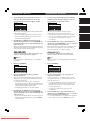
26 TOTAL – Indicates that the time shown in the character display is the total playing time of the disc
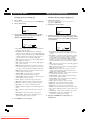
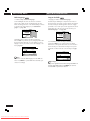
27 REMAIN – Indicates that the time shown in the
character display is the remaining playing time of the
disc
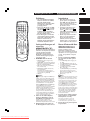
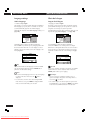
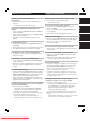
28
– Lights when a disc with DTS audio is playing
29 L, C, R, LS, S, RS, LFE – show which channels are
recorded on the disc playing