1
Chapter 6: Voice Mail Configuration
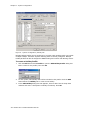
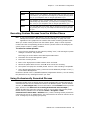
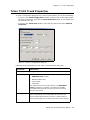
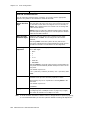
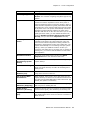
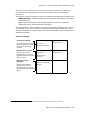
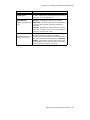
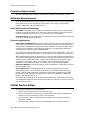
Parameter
Description
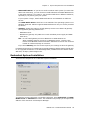
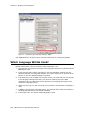
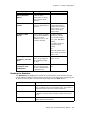
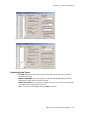
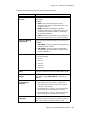
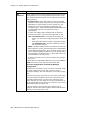
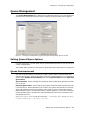
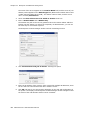
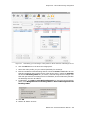
Native VM Integration
with Exchange 2007
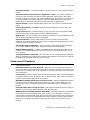
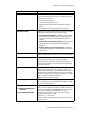
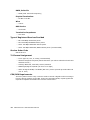
Uses Exchange 2007 as a native voice mail box to store
voicemail files, providing a unified mailbox for all message
types. Callers are forwarded to the Exchange 2007 mailbox
when an extension is ring-no-answer, busy, or in DND.
Accessing voice mail is done through the Exchange system.
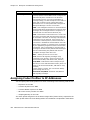
When this option is activated, all physical/virtual/WG mail
boxes with associated Exchange mailboxes are switched to
Exchange 2007. Extensions that do not have an Exchange
mail box are treated as mailbox disabled.
Users with an Exchange account press ## to log in to the
Exchange 2007 voicemail box. The system establishes a voice
stream to the Exchange 2007 mailbox through a SIP
connection.
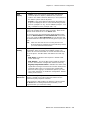
To turn on the message waiting light on the desktop phone
and allow AltiGen CTI client applications to manage voice
mails, the voicemail files are replicated back to MAX
Communication Server. When a voicemail file is heard,
marked save, or deleted from an AltiGen client application, the
voicemail attribute is changed in the Exchange 2007 server
accordingly.
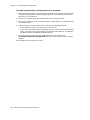
Limitations:
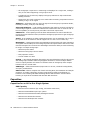
• Personal options usually invoked by pressing 4 on the
AltiGen Voice Mail System menu must be invoked by
pressing #14.
• The following AltiGen voice mail functions are not
supported: activity greeting, voice mail distribution list,
voice mail out call.
• One Number Access is not available.
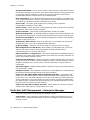
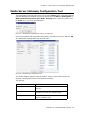
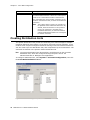
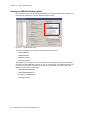
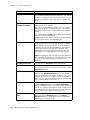
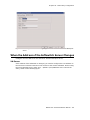
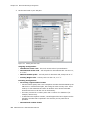
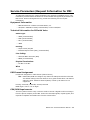
If you select this option, enter the DNS name of the Exchange
server in the Exchange 2007 Unified Messaging Server
field (do not enter the IP address).
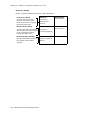
Exchange 2003/2007
Client Access Server
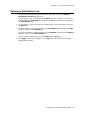
Enter the DNS name of the Exchange 2003/2007 Client Access
Server.
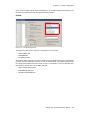
Exchange 2007
Unified Messaging
Server
Enter the DNS name of the Exchange 2007 Unified Messaging
Server.
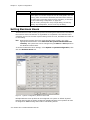
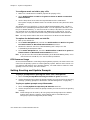
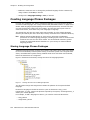
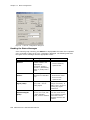
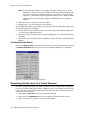
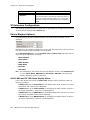
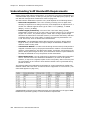
Setting E-mail Messaging Options
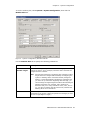
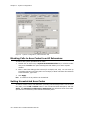
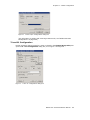
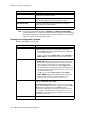
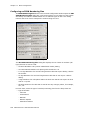
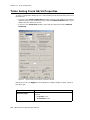
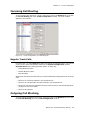
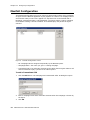
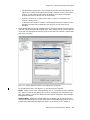
To use the MAXCS e-mail services, configure the following settings.
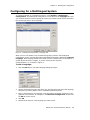
Parameter
Description
Enable SMTP/POP3
E-Mail Service
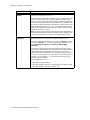
Selected, this enables incoming and outgoing mail
services on MAXCS—Simple Mail Transfer Protocol
(SMTP) and Post Office Protocol (POP3).
MAXCS ACC 6.5 Administration Manual
87