1
Chapter 26: Redundancy Configuration
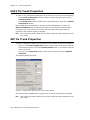
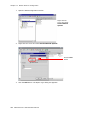
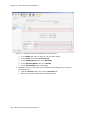
6.
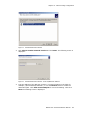
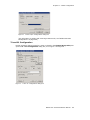
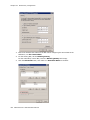
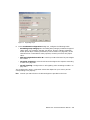
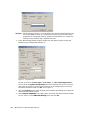
Click OK.
7.
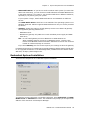
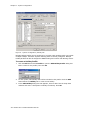
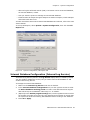
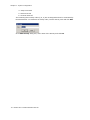
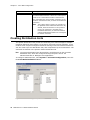
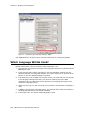
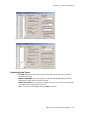
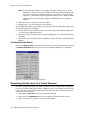
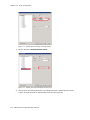
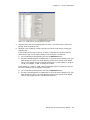
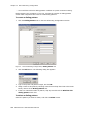
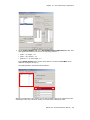
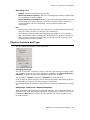
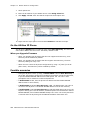
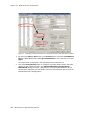
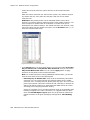
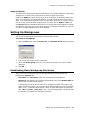
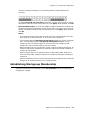
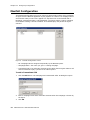
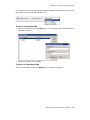
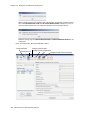
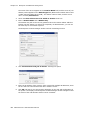
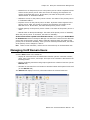
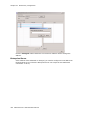
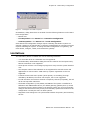
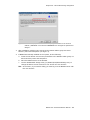
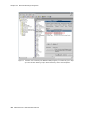
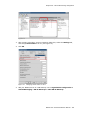
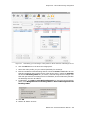
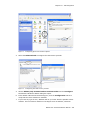
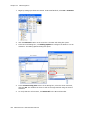
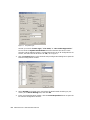
Go to Control Panel > Network Connections. From the menu, select Advanced
> Advanced Settings. Move the shared NIC to be the first one in the Connections
panel.
8.
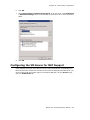
Click OK.
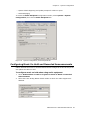
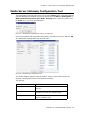
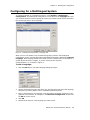
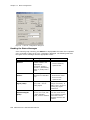
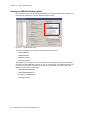
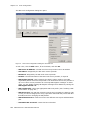
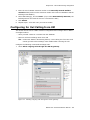
Configuring the VM Server for NAT Support
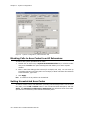
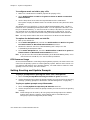
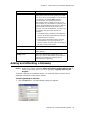
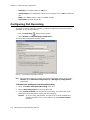
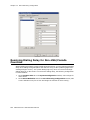
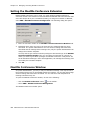
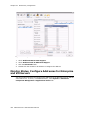
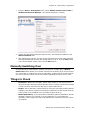
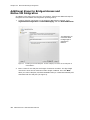
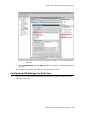
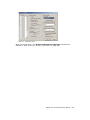
If the Softswitch and the Voice Mail server are running behind NAT, and MaxAgent or
MaxCommunicator need to traverse NAT to connect to the Softswitch and VM server, you
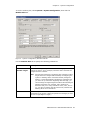
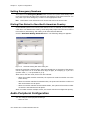
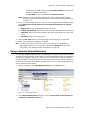
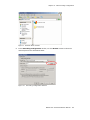
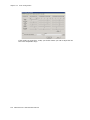
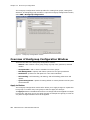
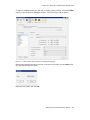
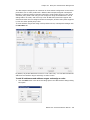
must configure VM server NAT support in Enterprise Manager: On the Servers page,
click the IP Networks tab.
MAXCS ACC 6.5 Administration Manual
371