1
2.1
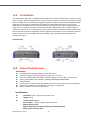
A Quick Tour of the TREK‐510 Computing box.
Before starting to set up the In‐Vehicle Computing Box, take a moment to become familiar with the
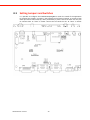
locations and purposes of the controls, drives, connectors and ports, which are illustrated in the figures
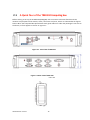
below. When the Computer boxis placed inside truck glove cabinet or under the passenger’s seat next to
the driver, its front appears as shown in Figure 2.1.
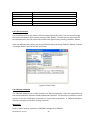
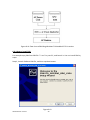
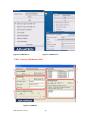
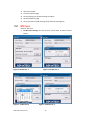
Figure 2.1. Front view of TREK‐510
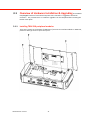
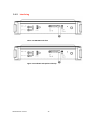
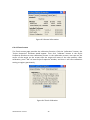
Figure 2.2. Rear view of TREK‐510
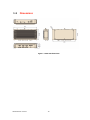
Unit: mm
TREK‐510 User manual
16