1
Source Control
Introduction
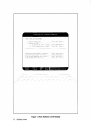
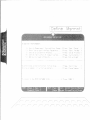
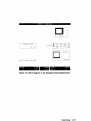
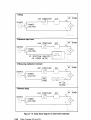
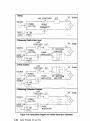
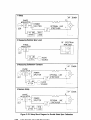
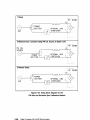
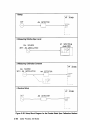
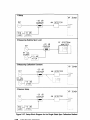
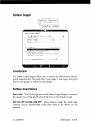
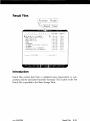
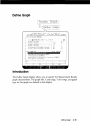
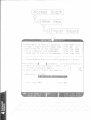
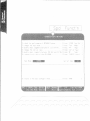
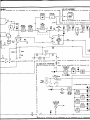
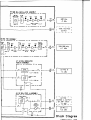
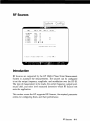
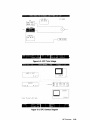
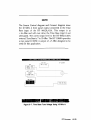
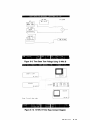
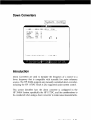
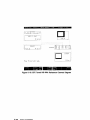
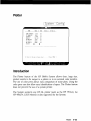
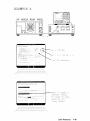
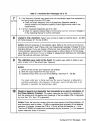
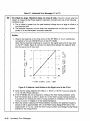
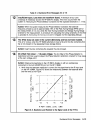
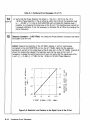
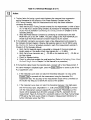
The Source Control Diagram specifies what devices are to be used in the
measurement and which devices are to be controlled by the HP 3048A
via the HP-IB. The Measurement Type selected in the Type/Range display
determines which measurement configuration will appear in the Source
Control display. The Source Control Diagram determines what will be
displayed in the Connect Diagram at the beginning of the measurement.
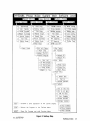
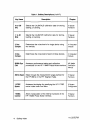
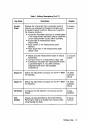
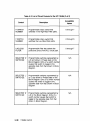
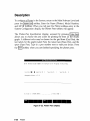
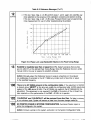
Softkeys are provided for manipulating the Source Control Diagram to
configure it to represent the desired measurement setup. For example, to
activate the Reference Source block, press the Ref. Source softkey once.
Pressing the Ref. Source softkey after the block has been activated steps
through the available reference source options. (Reference Sources (other
than those internal to the HP 11848A) must be configured in the System
Configuration Table to appear in the Source Control Diagram.) While the
Ref. Source block is active, the Control softkey allows selection of either
Manual or System (HP-IB) control.
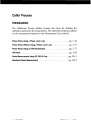
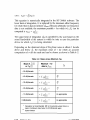
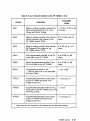
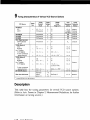
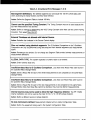
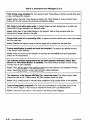
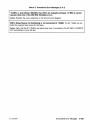
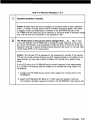
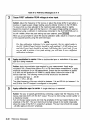
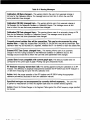
Phase Noise Using a Phase Lock Loop
pg. 2-102
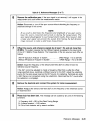
Phase Noise Without Using a PLL
pg. 2-105
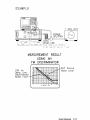
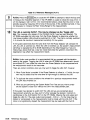
Phase Noise Using an FM Discriminator
pg. 2-108
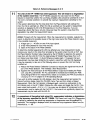
AM Noise
pg. 2-111
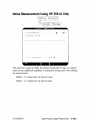
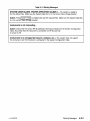
Noise Measurement Using HP 3561A Only
No Entry Required
Baseband Noise Measurement
No Entry Required
Source Control
2-101