1
Zoom
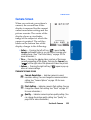
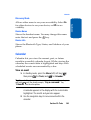
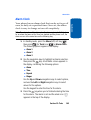
Zoom lets you temporarily enlarge the pictures you
take. Increasing the Zoom (X1 – X3) enlarges your
pictures (0 is normal).
Note: The resolution setting affects zoom capabilities. When resolution is
set to High, zoom is not available. When resolution is set to Medium, X1
and X2 are available. When resolution is set to Low, X1, X2, and X3 zoom
settings are available.
Section 9
1. In standby mode, briefly press the Camera key (
).
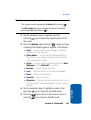
The camera viewfinder screen appears in the display.
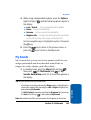
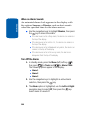
2. Use the Left and Right navigation keys to adjust the
Zoom (the screen image enlarges to show the affects of
your changes).
The next time you press the Camera key (
) or the
key, the camera takes an enlarged picture according
to your selected Zoom setting.
OK
Brightness
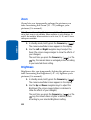
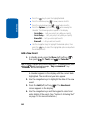
Brightness lets you temporarily lighten the pictures you
take. Increasing the Brightness (-4 – +4) lightens your
pictures (0 is normal).
1. In standby mode, briefly press the Camera key (
).
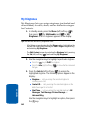
The camera viewfinder screen appears in the display.
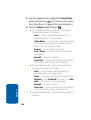
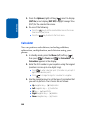
2. Use the Up and Down navigation keys to adjust the
Brightness (the screen image lightens or darkens to
show the affects of your changes).
The next time you press the Camera key (
) or the
key, the camera takes a lighter or darker picture
according to your selected Brightness setting.
OK
132