1
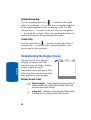
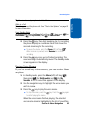
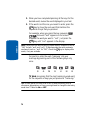
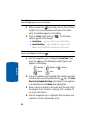
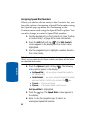
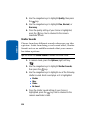
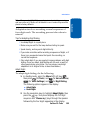
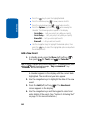
2. Use the navigation keys to highlight Quality, then press
the
key.
OK
3. Use the navigation keys to highlight Fine, Normal, or
Economy.
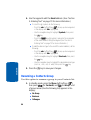
4. Once the quality setting of your choice is highlighted,
press the
key. You’re returned to the camera
viewfinder screen.
OK
Section 9
Shutter Sounds
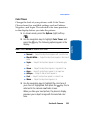
Choose from four different sounds whenever you take
a picture. Aside from being a cool sound effect, Shutter
Sounds acts as an audible reminder that your camera
has taken a picture.
Tip: You cannot use Shutter Sounds to disable the shutter sound.
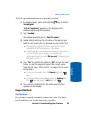
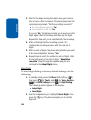
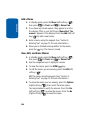
1. In camera mode, press the Options (right) soft key
(
).
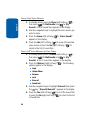
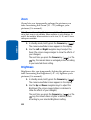
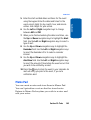
2. Use the navigation keys to highlight Shutter Sounds,
then press the
key.
OK
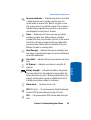
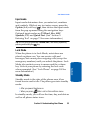
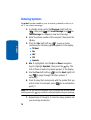
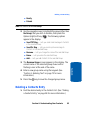
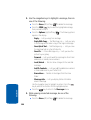
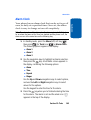
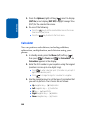
3. Use the navigation keys to highlight one of the following
shutter sounds. Each sound plays as it is highlighted.
䢇
䢇
䢇
䢇
Shutter
Okay
Chime
No Sound
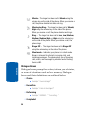
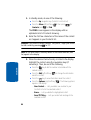
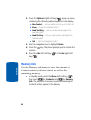
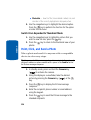
4. Once the shutter sound setting of your choice is
highlighted, press the
key. You’re returned to the
camera viewfinder screen.
OK
130