1
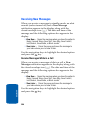
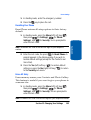
Note: See “Creating and Sending New Messages” on page 98 for more
information.
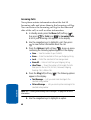
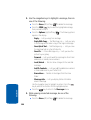
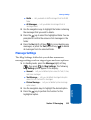
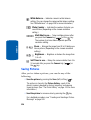
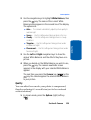
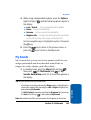
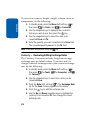
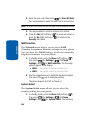
5. Use the navigation keys to highlight an option.
6. Press the
function.
key to perform the highlighted option’s
OK
Data Call
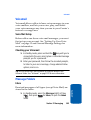
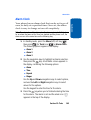
Your phone retains information about the last 90 data
calls and stores them in the Data call log. You can
review the Data call log for the time and date of the call,
as well as other information.
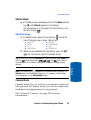
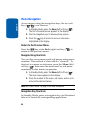
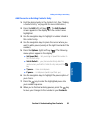
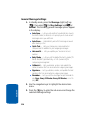
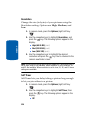
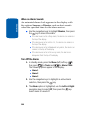
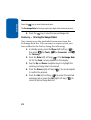
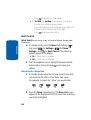
1. In standby mode, press the Menu (left) soft key ( )
then press 6 (for Calls) and 4 for Data Call. A list of
your missed calls appears in the display.
mno
ghi
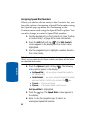
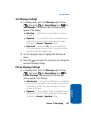
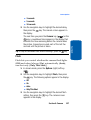
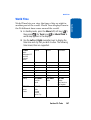
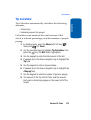
2. Use the navigation keys to highlight a call, then press
to view further information about the call.
OK
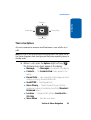
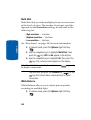
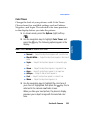
3. Press the Options (right) soft key (
). A pop-up menu
containing the following options appears in the display:
䢇
䢇
䢇
䢇
Section 3
䢇
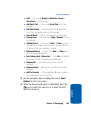
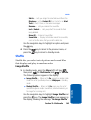
Save — Save the number to your Contacts.
Erase — Erase the selected call from your Data call log.
Lock — Protect the selected call from being erased.
Erase All — Erase all calls from your Data call log.
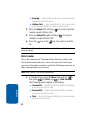
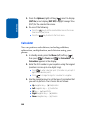
Data Counter — Shows the amount of data Transmitted and
Received during this call, the Total amount of data exchanged
during this call, and the total amount of data exchanged since
the phone was activated.
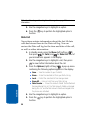
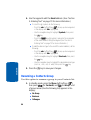
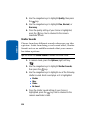
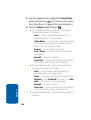
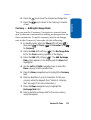
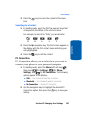
4. Use the navigation keys to highlight an option.
5. Press the
function.
50
OK
key to perform the highlighted option’s