1
PV720A User’s Manual
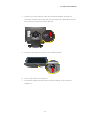
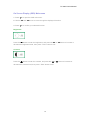
3-2. Remove VESA-compliant Connecting Device*
*User should prepare the connection device for VESA themselves.
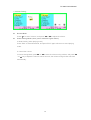
4-1. Speaker Box Install
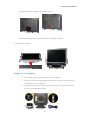
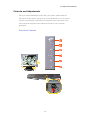
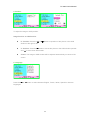
Cabling for Your Display
1. Turn off the power of your computer and other devices.
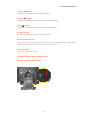
2. Connect (1) the video signal cable of the monitor to the 15-pin connector of
the video port in your computer.
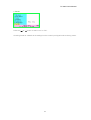
3. With the monitor switched off, attach (2) the power cord to the monitor and
then to a grounded power outlet.
12