1
Convenient Functions
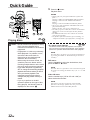
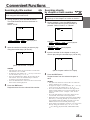
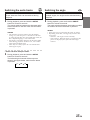
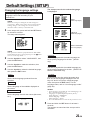
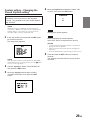
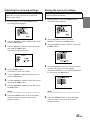
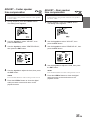
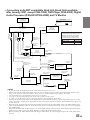
Searching by title number
DVD
Use this function to easily find positions on the
DVD using the DVD’s title menu.
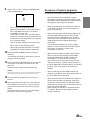
1
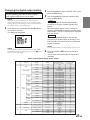
During playback, press the GO TO button.
The mode switches each time the button is
pressed.
Select “TITLE”.
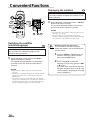
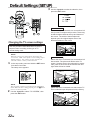
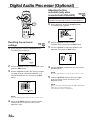
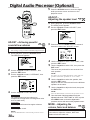
Searching directly
by chapter or track number
DVD Video CD
CD
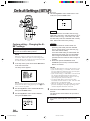
Use this function to easily move to the
beginnings of the chapters or tracks on the disc.
1
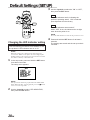
During playback, press the GO TO button.
The mode switches each time the button is
pressed. Select “CHAPT” or “TRACK”.
FR
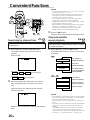
TITLE
2
CHAPT
TIME
Normal playback
DVD Video
TITLE
CHAPT
Video-CD/CD
TRACK
TIME
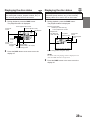
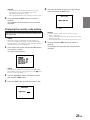
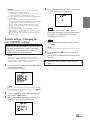
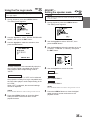
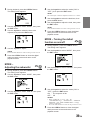
Input the number of the title you want to play
using the number keys (“0” to “9”).
2
TIME
Normal playback
Normal playback
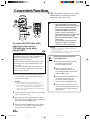
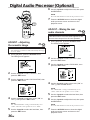
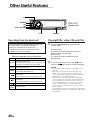
Input the number of the chapter or track you
want to play using the number keys (“0” to “9”).
ES
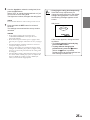
(When title number 1 is input)
NOTES
• This function cannot be used on discs on which no
title numbers are recorded.
• To input the title number, the “+10” key is not used.
Use the number keys “0” to “9”.
• Press the CLR button to delete the last digit in the
title number. Press the CLR button for at least 2
seconds to clear all title numbers.
• Press the RTN button to cancel the title search mode
and resume normal playback.
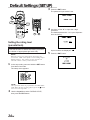
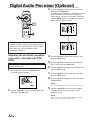
3
Press the ENT button.
Playback starts from the selected title number.
DE
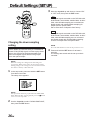
(When chapter number 12 is input)
3
Press the ENT button.
Playback starts from the selected chapter or
track.
NOTES
• This function cannot be used on discs on which no
chapter numbers are recorded.
• To input the chapter or track number, the “+10” key
is not used. Use the number keys “0” to “9”.
• Press the CLR button to delete the last digit in the
chapter/track number. Press the CLR button for at
least 2 seconds to clear “Chapter” and “Track”
numbers.
• Press the RTN button to cancel the chapter/track
search mode and resume normal playback.
• With video discs containing playback control (PBC),
function of “searching directly by track number” is
not available under the PBC ON status. Press the
MENU button to turn the PBC function off.
• If the chapter/track number is known, you can search
directly using the number keys (“0” to “9” and
“+10”) during playback mode, PRE-STOP mode,
etc.
15-EN
IT
SE