1
Firmware Upgrade
Network or installed networks with large TDM or DVB Outbound
Carriers. Take care not to over-run the outbound (TDM) transmission
rate.
• CodeCast - Vload will multicast to all selected IP addresses. The units
must all have the same CodeCast address. CodeCast is useful for large
networks that have limited bandwidth available on the TDM outbound.
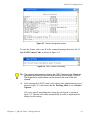
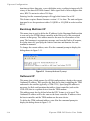
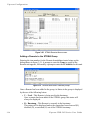
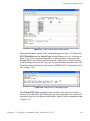
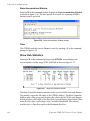
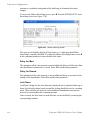
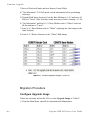
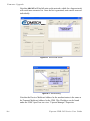
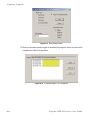
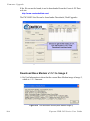
Refer to the Vload Utility User Guide for a description of each type and to determine which suits your network best. Below is an example of the screen
displayed for “Consecutive.”
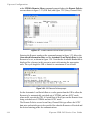
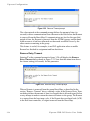
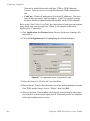
1. Click Application, then Browse button. Browse for the new firmware file
and select it.
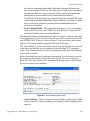
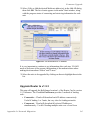
2. Click on Put Application after highlighting the desired modem(s).
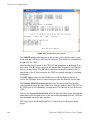
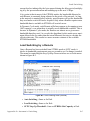
Figure D-7 Put Application screen (Consecutive Load)
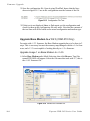
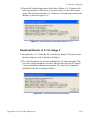
3. Select the Same For All Selected Units check box.
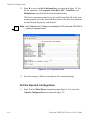
4. Ensure that the Transfer Rate does not exceed the outbound data rate on the
Hub TDM, and the Image is set to “Oldest”, then click OK.
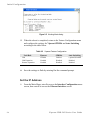
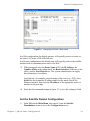
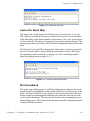
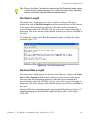
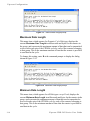
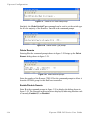
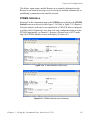
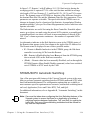
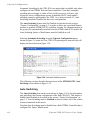
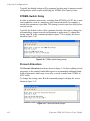
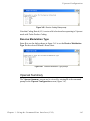
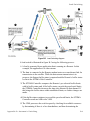
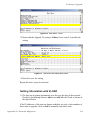
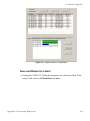
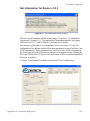
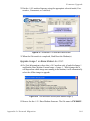
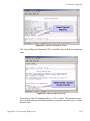
5. Observe the main Vload window; the Progress area will display status bars
for each unit, as shown in the figure below. Wait until process is completed
before proceeding to the next step.
D-8
Vipersat CDD-56X Series User Guide