1
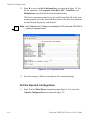
V i p e r s a t C o nf i g u r a t i o n
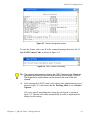
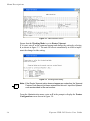
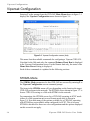
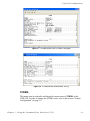
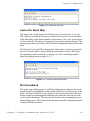
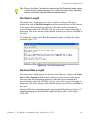
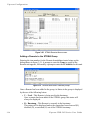
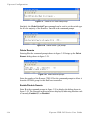
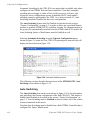
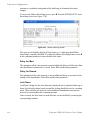
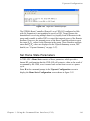
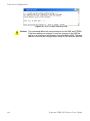
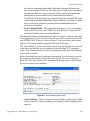
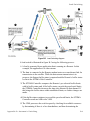
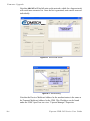
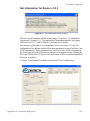
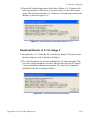
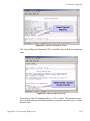
Figure 3-32 Remove Timeout prompt
The value entered at the command prompt defines the amount of time (in
seconds) with no communication from a Remote to the Hub before that Remote
is removed from the Burst Map. If communications are lost for this specified
period of time, the Remote is removed from the STDMA group, and the bandwidth resources it had been allocated are then made available for use by the
other remotes remaining in the group.
This feature is useful, for example, in an SNG application where a mobile
Remote has finished its assignment and has shut down.
Remove Retry Timeout
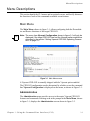
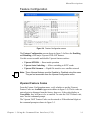
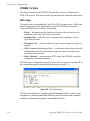
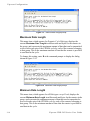
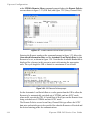
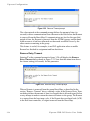
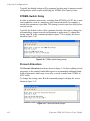
Entering T at the command prompt in figure 3-20 will display the Remove
Retry Timeout dialog shown in figure 3-33. Note that this menu item shows
the current setting (in seconds) for this parameter.
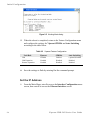
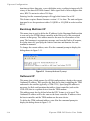
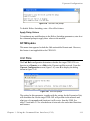
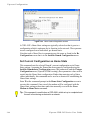
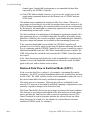
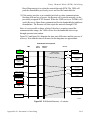
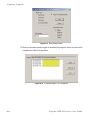
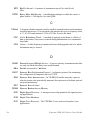
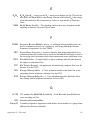
Figure 3-33 Remove Retry Timeout prompt
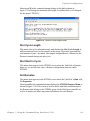
When a Remote is removed from the group Burst Map, as described in the
section “Remove Timeout” above, entering a value in the Remove Retry Timeout dialog defines the amount of time (in seconds) that is allowed to pass before
a retry attempt is made to return the removed Remote to the group. The Remote
is re-entered into the burst map cycle; if the Remote does not burst back (ACK)
to the Hub burst controller, it is again removed from the Burst Map.
3-26
Vipersat CDD-56X Series User Guide