1
Parameters
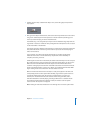
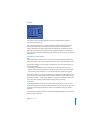
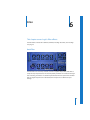
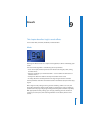
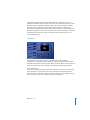
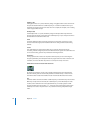
The following parameters are available in the Gain plug-in:
Gain
This control adjusts levels from −96 to +24 dB, in steps of 0.1 dB. Press Shift while
dragging on the Gain parameter to adjust in fine increments.
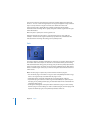
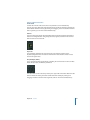
Phase Invert
These buttons invert the phase of the left and right channels. This allows you to
combat time alignment problems, particularly those caused by running multiple
microphones at the same time. When you invert the phase of a signal, it sounds
identical to the original. Only when the signal is heard in conjunction with other signals
does phase inversion have an audible effect. As an example, if you mic a snare drum
from the bottom as well as from the top, you should invert the phase of the bottom
microphone’s signal so that it is in phase with the top mic signal.
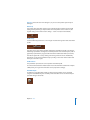
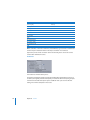
Stereo Balance
The Stereo Balance control distributes the incoming signal between the left and right
channels.
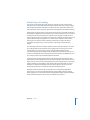
Swap Left/Right
This button swaps the left and right output channels. It is placed after the Stereo
Balance in the signal path.
Mono
Activation of the Mono button outputs the summed mono signal on both the left and
right channels.
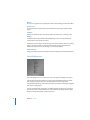
Note: The Gain plug-in is available in m → m, m → s and s → s configurations.
In m → m and m → s modes, only one Phase Invert button is available. In the m → m
version, the Stereo Balance, Swap Left/Right and Mono parameters are disabled.
Chapter 11 Helper
73