1
Configuration
System
9.10
System
9.10.1
Settings
9
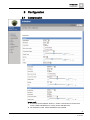
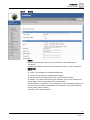
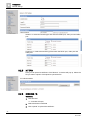
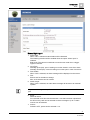
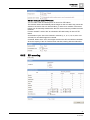
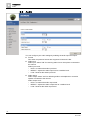
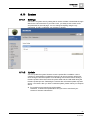
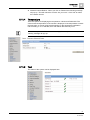
CGI-Lock is a system security setting that is used to activate or deactivate the login
data for the CGI-commands. If you select "ON", you always have to enter an ID
and password for the web page. You can change everything using the cgicommands. If "OFF" is selected, you will have no access.
9.10.2
Update
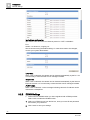
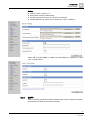
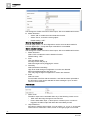
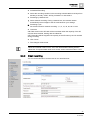
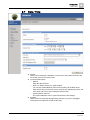
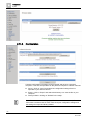
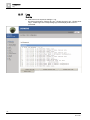
You can update the system firmware once the update file is available. It is the
customer's responsibility to update the firmware. All camera motions will be shut
down during the firmware update. Close all dialogs and screens before starting a
firmware update. Never disconnect the power cable and the LAN cable during the
firmware update process. Rebooting the camera after a firmware update may take
approx. 15 minutes. After you finish a software update, please reboot you computer
at first.
z
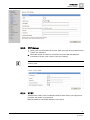
Do not disconnect power during a SW update.
Otherwise, it causes SW update failure and you have to send back your
camera to Siemens maintenance.
59
Siemens AG
A6V10334028
20.12.2011