1
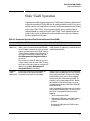
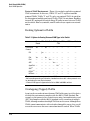
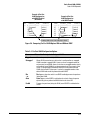
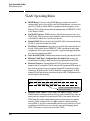
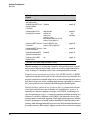
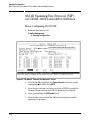
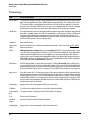
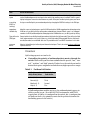
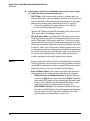
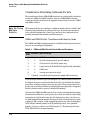
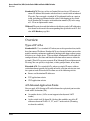
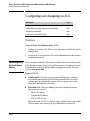
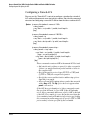
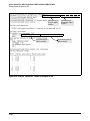
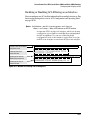
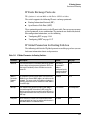
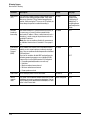
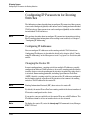
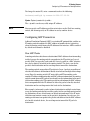
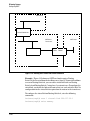
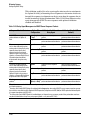
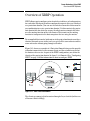
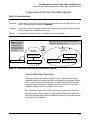
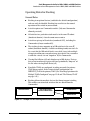
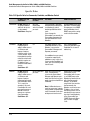
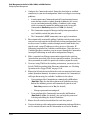
Spanning-Tree Operation The RSTP (802.1w) and STP (802.1D) Spanning Tree Options (5300xl, 3400/6400cl switches) The RSTP (802.1w) and STP (802.1D) Spanning Tree Options (5300xl, 3400/ 6400cl switches) Caution Spanning tree interprets a switch mesh as a single link. Because the switch automatically gives faster links a higher priority, the default STP or RSTP parameter settings are usually adequate for spanning tree operation. Also, because incorrect STP or RSTP settings can adversely affect network perfor mance, you should not make changes unless you have a strong understanding of how spanning tree operates. In a mesh environment, the default RSTP timer settings (Hello Time and Forward Delay) are usually adequate for RSTP operation. Because a packet crossing a mesh may traverse several links within the mesh, using smallerthan-default settings for the RSTP Hello Time and Forward Delay timers can cause unnecessary topology changes and end-node connectivity problems. For more on STP and RSTP, see the IEEE 802.1D and 802.1w standards. RSTP (802.1w) RSTP is supported on the Series 5300xl, 3400cl and 6400cl switches. The IEEE 802.1D version of spanning tree (STP) can take a fairly long time to resolve all the possible paths and to select the most efficient path through the network. The IEEE 802.1w Rapid Reconfiguration Spanning Tree (RSTP) significantly reduces the amount of time it takes to establish the network path. The result is reduced network downtime and improved network robustness. In addition to faster network reconfiguration, RSTP also implements greater ranges for port path costs to accommodate the higher and higher connection speeds that are being implemented. RSTP is designed to be compatible with IEEE 802.1D STP, and HP recom mends that you employ it in your network. For more information, refer to “Transitioning from STP to RSTP” on page 6-12. 6-7