1
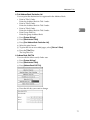
Registering Addresses and Users for Scanner Functions
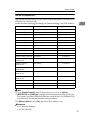
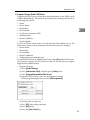
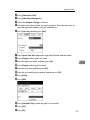
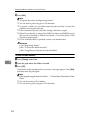
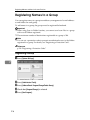
❖ Add to Group
You can put registered e-mail and folder destinations into a group for easier
management.
Note
❒ You can also use a Web Image Monitor to register names in the Address Book.
With the SmartDeviceMonitor for Admin, you can register multiple names at
the same time.
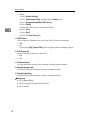
❒ Using [Address Management Tool] in SmartDeviceMonitor for Admin, you can
backup Address Book data. We recommend backing up data when using the
Address Book.
❒ For details about using Web Image Monitor, see the Web Image Monitor Help.
❒ For operating instructions, see SmartDeviceMonitor for Admin Help.
7
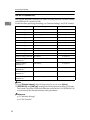
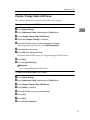
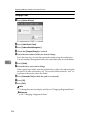
Managing names in the Address Book
By registering a name and key display beforehand, you can specify e-mail and
folder destinations simply by selecting the name key.
Reference
p.184 “Registering Names”
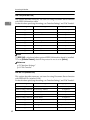
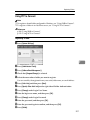
Sending e-mail by Quick Dial
You can also specify an e-mail address by selecting the destination shown on the
initial scanner display when sending a document using the scanner function. A
registered e-mail address can be used as the sender's address, and the sender's
address are automatically entered in the “From" field of an mail header.
Reference
p.196 “E-mail Destination”
182