1
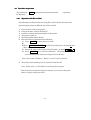
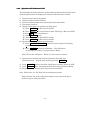
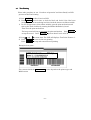
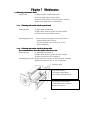
4-2 Example of changing panel setting
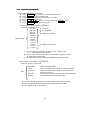
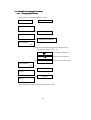
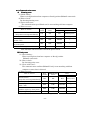
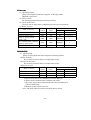
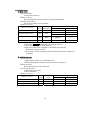
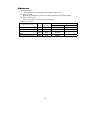
4-2-1 Changing print density
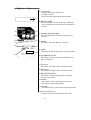
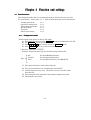
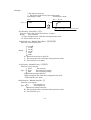
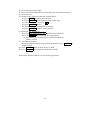
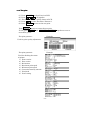
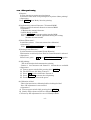
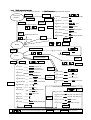
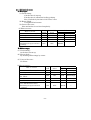
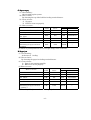
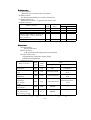
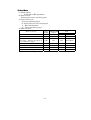
Turn power on and show ‘Ready’ on LCD.
LCD display
Panel operation
Ready
(1)
PAUSE
Pause
(2)
DENSITY/POSITION
Print Density
+00
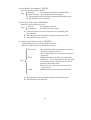
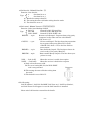
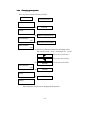
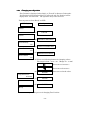
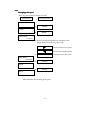
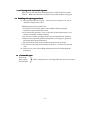
(3) Please use following button to change values.
The range is from – 15 to + 15.
(4)
Press once to increase 1. Press once to decrease 1.
ENTER
Press once to fix the value.
Print Position
+00
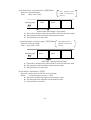
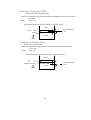
(5)
PAUSE
(6)
PAUSE
Pause
Ready
This completes the process of changing print density.
-38-