1
CHAPTER 6
Using Strokes and Fills
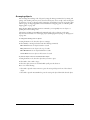
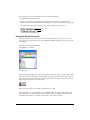
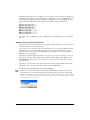
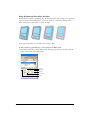
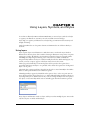
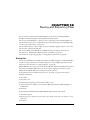
You can apply colors to strokes and fills several ways in Macromedia FreeHand MX: by using the
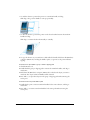
Object panel, by dragging colors, by choosing colors from the pop-up color palettes on the Tools
panel, and by using the Eyedropper tool to copy colors from other objects in the document.
In addition to basic colors, you can also apply a variety of advanced stroke and fill effects
to objects.
Adding strokes and fills to objects
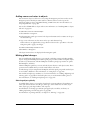
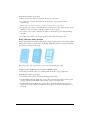
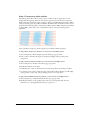
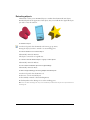
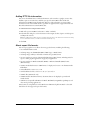
FreeHand MX objects can have multiple properties, such as strokes, fills, and special effects. (For
more information on special effects, see Chapter 7, “Special Effects,” on page 193.) Use the
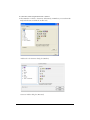
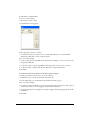
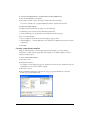
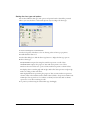
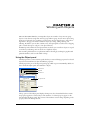
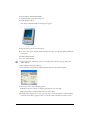
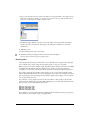
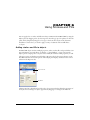
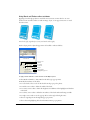
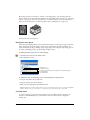
Object panel to add properties to objects and to modify the attributes of the properties you add.
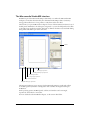
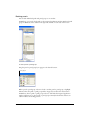
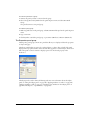
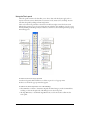
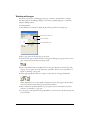
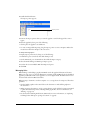
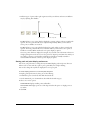
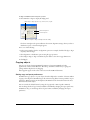
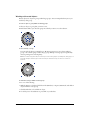
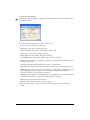
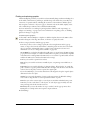
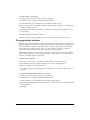
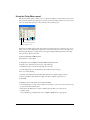
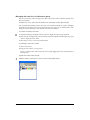
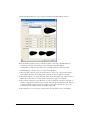
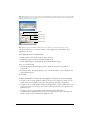
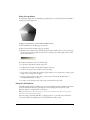
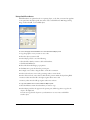
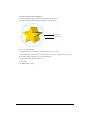
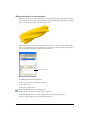
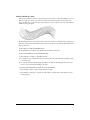
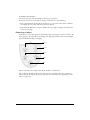
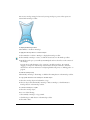
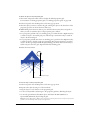
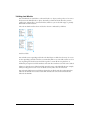
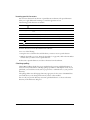
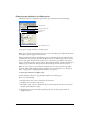
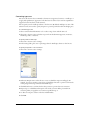
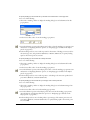
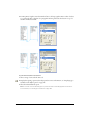
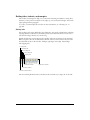
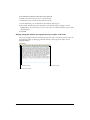
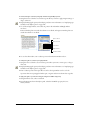
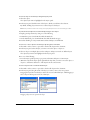
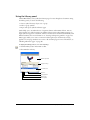
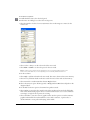
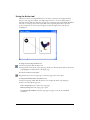
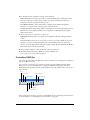
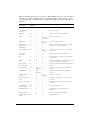
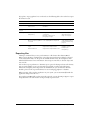
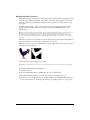
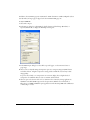
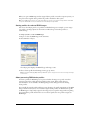
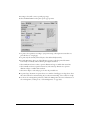
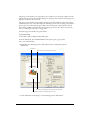
The upper portion of the Object panel displays a Properties list for the current selection in the
Document window. The bottom portion of the Object panel displays attributes for the current
selection in the Properties list.
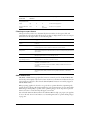
Properties list
Attributes
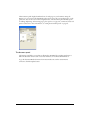
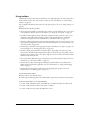
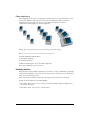
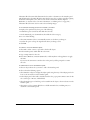
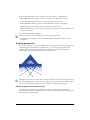
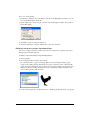
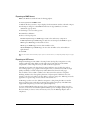
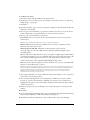
The Properties list is hierarchical, and the order of properties in the list affects the appearance of
the object. You can change an object’s appearance by dragging to rearrange items in the list.
165