1
3
3-16
12.
Color Calibration
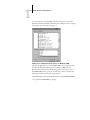
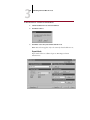
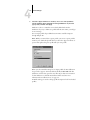
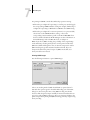
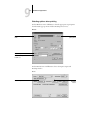
Click OK.
Status messages display the progress of scanning and calculating
measurements.
13.
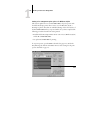
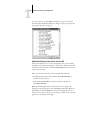
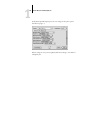
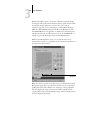
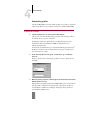
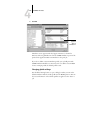
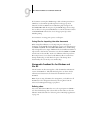
When prompted to Print Comparison Page (Expert Mode only), select Yes to
print a preview of the selected calibration.
Select from a list of output profiles that use the same calibration set and press
OK. This option appears only in Expert Mode calibration.
14.
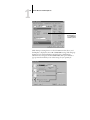
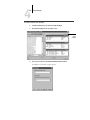
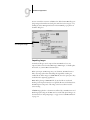
When prompted to overwrite calibration, select Yes.
15.
Select Yes to confirm.
Status messages display progress information.
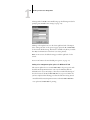
Removing calibration
It is also possible to remove calibration from the iR C2100/2100S. In
general, it is not necessary because any new calibration replaces the existing
one if the same calibration set is selected.
TO
REMOVE CALIBRATION FROM THE
C ONTROL P ANEL :
1.
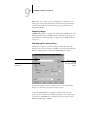
From the iR C2100/2100S Control Panel, access the Calibration menu as
described on page 3-15.
2.
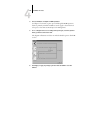
Choose Remove Calibration.
3.
When prompted, verify that you want to proceed with removing calibration.
The current measurements are removed and a default calibration is restored.
Calibrating from the Control Panel using
VisualCal
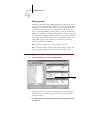
VisualCal is a calibration method that allows you to calibrate your printer to
a color output standard defined by the manufacturer. The calibration
calculations performed by the controller software are based on a series of
values entered on the control panel. The values used in the calculations are
determined by evaluating toner densities and color combinations produced
on two specially designed calibration pages printed from the control panel.