1
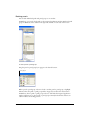
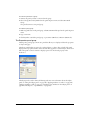
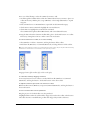
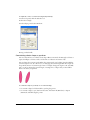
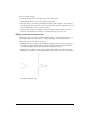
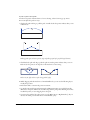
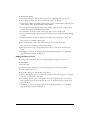
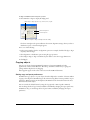
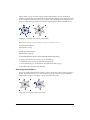
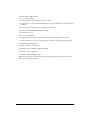
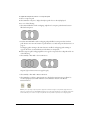
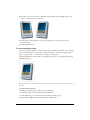
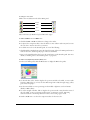
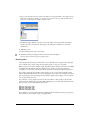
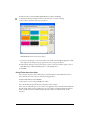
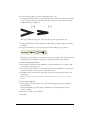
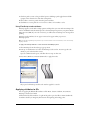
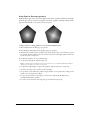
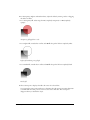
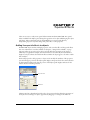
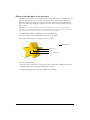
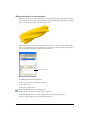
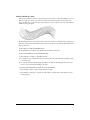
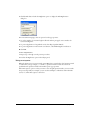
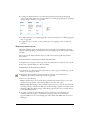
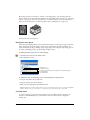
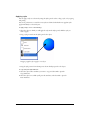
To apply the Divide command to selected paths, do one of the following:
• Select Modify > Combine > Divide.
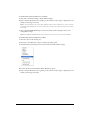
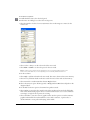
• Select Window > Toolbars > Xtra Operations to display the Xtra Operations toolbar if it’s not
already displayed, and click the Divide button. (For more information on working with Xtras,
see “Using and managing Xtras” on page 27.)
• Select Xtras > Path Operations > Divide.
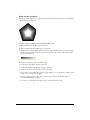
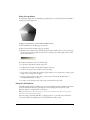
Using the Intersect command
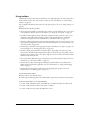
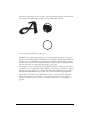
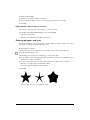
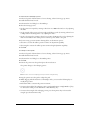
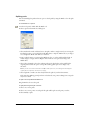
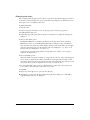
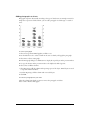
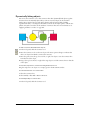
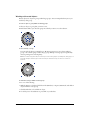
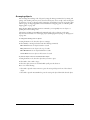
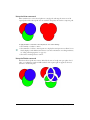
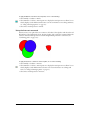
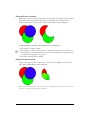
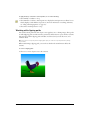
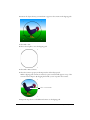
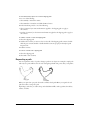
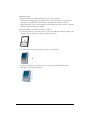
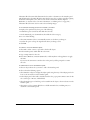
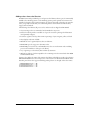
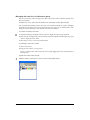
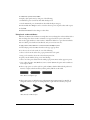
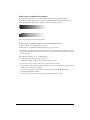
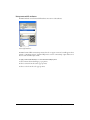
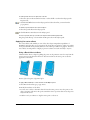
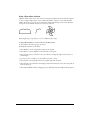
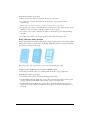
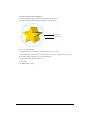
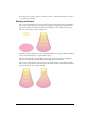
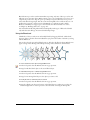
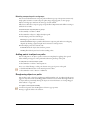
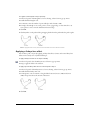
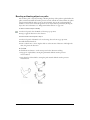
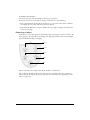
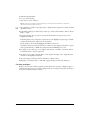
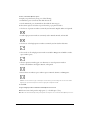
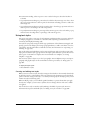
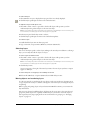
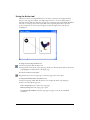
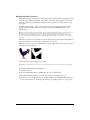
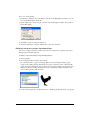
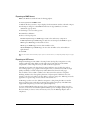
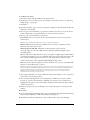
Intersect creates a new path of the area common to all selected, closed paths, with the stroke and
fill attributes of the farthest back object. If selected paths don’t overlap, the command deletes the
selection, unless the Path Operations Consume Original Paths preference is turned off. (See
“Combining paths” on page 127.)
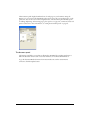
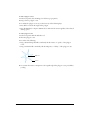
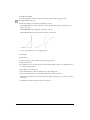
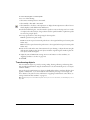
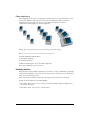
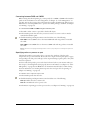
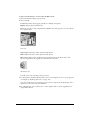
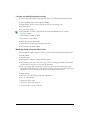
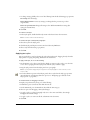
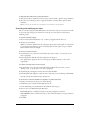
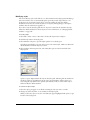
To apply the Intersect command to selected paths, do one of the following:
• Select Modify > Combine > Intersect.
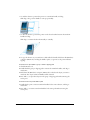
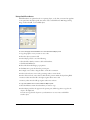
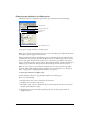
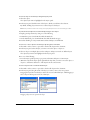
• Select Window > Toolbars > Xtra Operations to display the Xtra Operations toolbar if it’s not
already displayed, and click the Intersect button. (For more information on working with
Xtras, see “Using and managing Xtras” on page 27.)
• Select Xtras > Path Operations > Intersect.
130 Chapter 4