1
IP Phone Administrator Guide
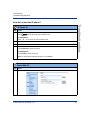
How to Create an XML Application
Appendix G
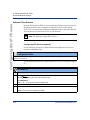
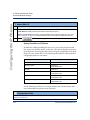
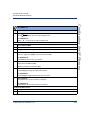
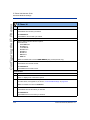
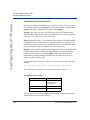
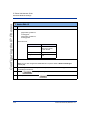
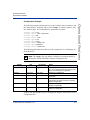
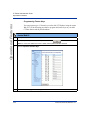
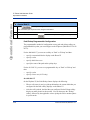
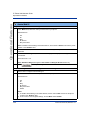
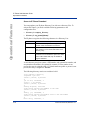
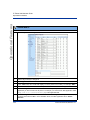
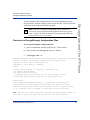
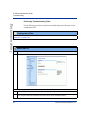
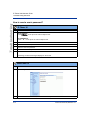
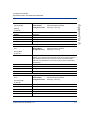
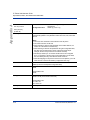
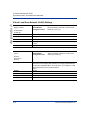
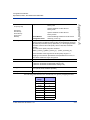
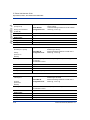
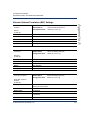
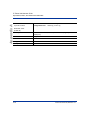
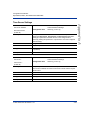
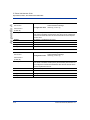
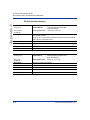
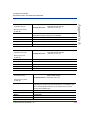
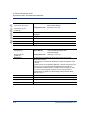
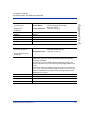
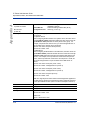
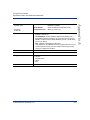
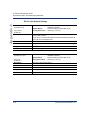
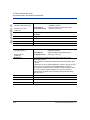
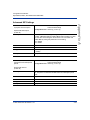
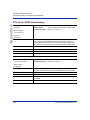
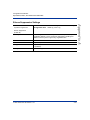
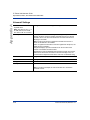
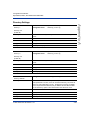
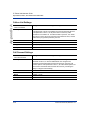
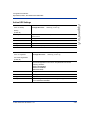
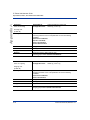
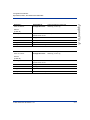
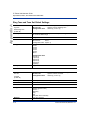
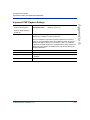
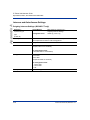
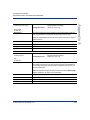
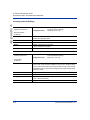
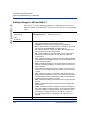
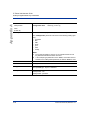
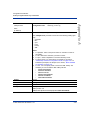
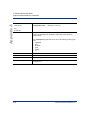
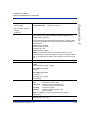
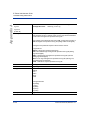
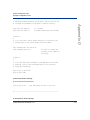
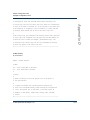
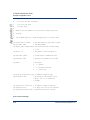
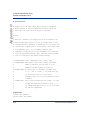
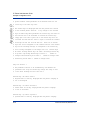
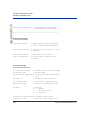
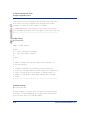
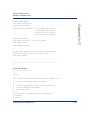
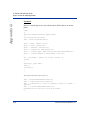
XML Description:
G-8
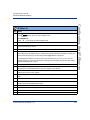
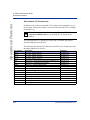
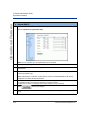
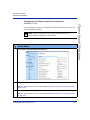
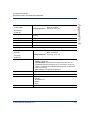
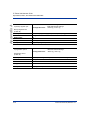
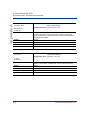
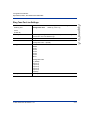
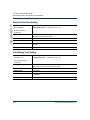
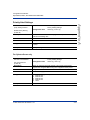
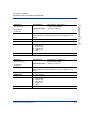
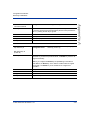
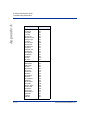
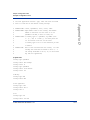
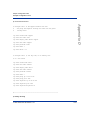
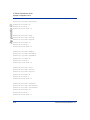
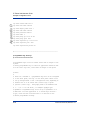
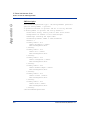
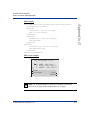
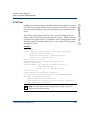
<AastraIPPhoneInputScreen type = "IP/string/number" password =
"yes/no" destroyOnExit = "yes/no">
<!-password attribute is optional and set to "no" by defaultà
<!-destroyOnExit is optional and "no" by default à
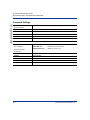
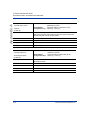
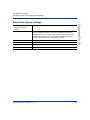
<Title>Title string, usually same as menu title</Title>
<Prompt>Enter IP address or host name</Prompt>
<URL>Target receiving the input</URL>
<Parameter>parameter added to URL</Parameter>
<Default />
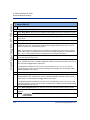
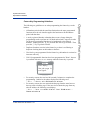
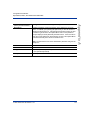
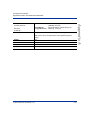
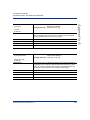
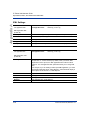
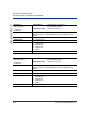
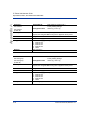
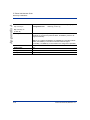
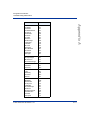
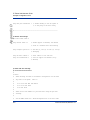
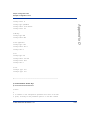
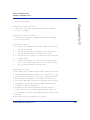
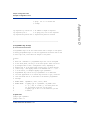
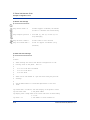
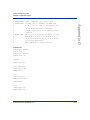
<SoftKey index = "1">
<Label> Backspace </Label>
<URI>SoftKey:Exit</URI>
</Softkey>
<SoftKey index = "2">
<Label> Dot </Label>
<URI>SoftKey:Exit</URI>
</Softkey>
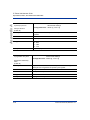
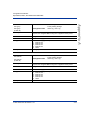
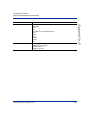
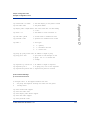
<SoftKey index = "3">
<Label> ChangeCase </Label>
<URI>SoftKey:Exit</URI>
</Softkey>
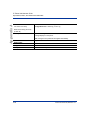
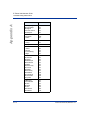
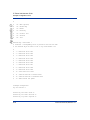
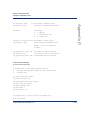
<SoftKey index = "4">
<Label> Numeric/Alpha </Label>
<URI>SoftKey:Exit</URI>
</Softkey>
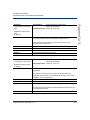
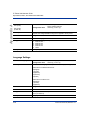
<SoftKey index = "5">
<Label> Cancel </Label>
<URI>SoftKey:Exit</URI>
</Softkey>
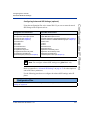
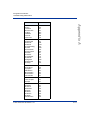
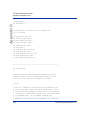
<SoftKey index = "6">
<Label> Done </Label>
<URI>SoftKey:Exit</URI>
</Softkey>
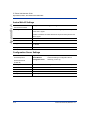
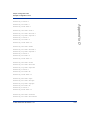
</AastraIPPhoneInputScreen>
41-001129-00 Rev 09, Release 1.4.1