1
Operational Features
Operational Features
8
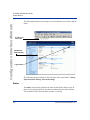
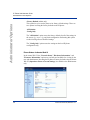
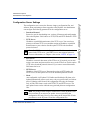
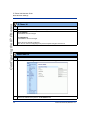
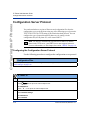
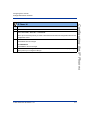
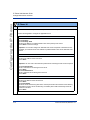
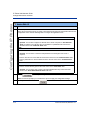
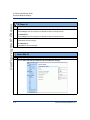
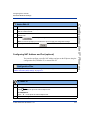
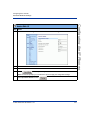
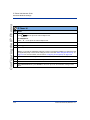
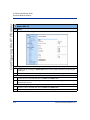
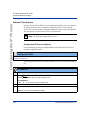
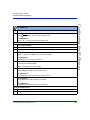
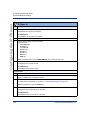
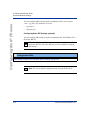
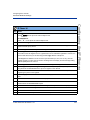
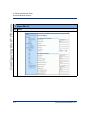
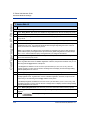
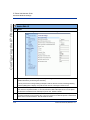
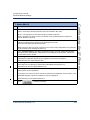
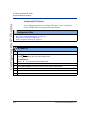
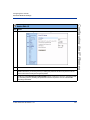
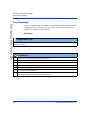
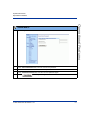
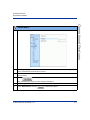
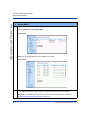
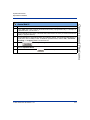
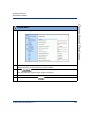
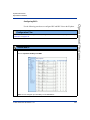
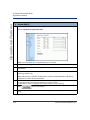
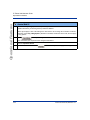
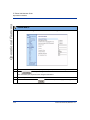
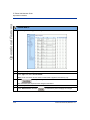
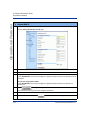
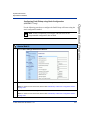
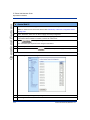
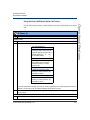
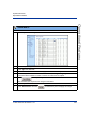
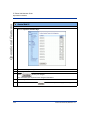
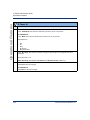
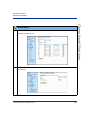
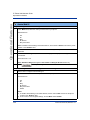
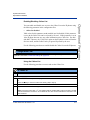
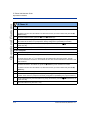
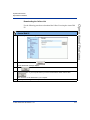
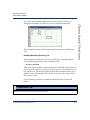
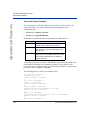
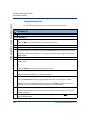
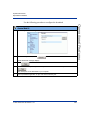
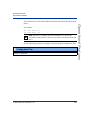
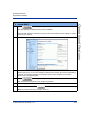
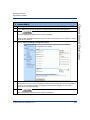
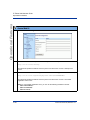
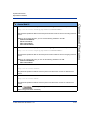
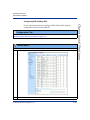
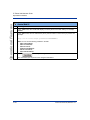
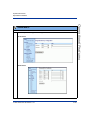
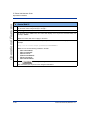
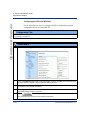
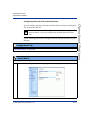
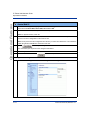
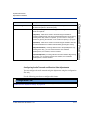
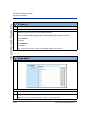
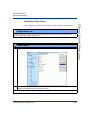
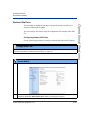
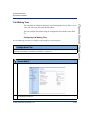
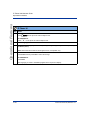
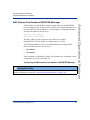
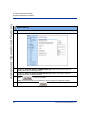
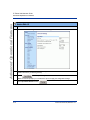
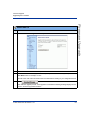
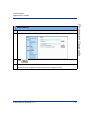
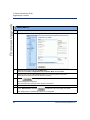
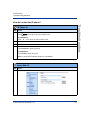
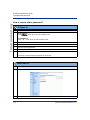
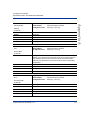
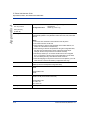
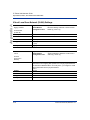
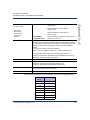
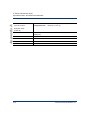
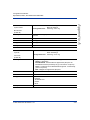
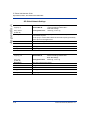
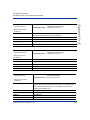
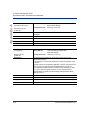
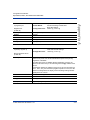
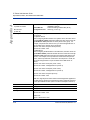
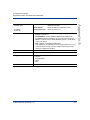
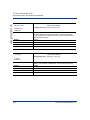
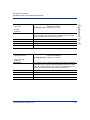
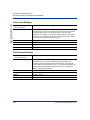
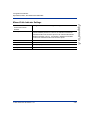
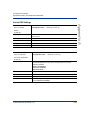
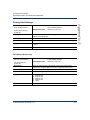
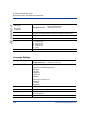
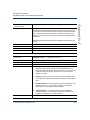
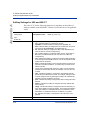
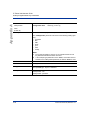
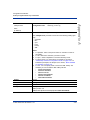
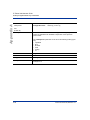
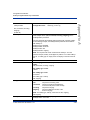
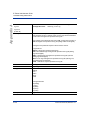
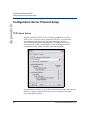
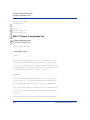
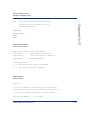
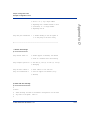
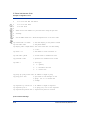
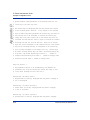
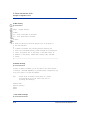
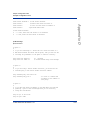
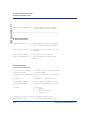
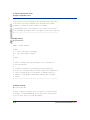
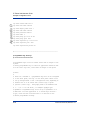
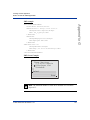
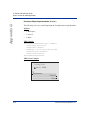
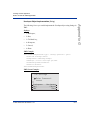
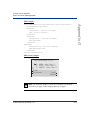
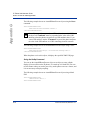
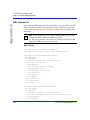
In the "BLF List URI" field, enter the name of the BLF list defined on the BroadSoft BroadWorks
Busy Lamp field page for your particular user.
For example, [email protected].
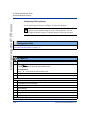
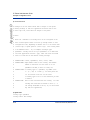
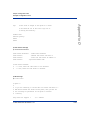
Note: The value of the BLF\List URI parameter must match the list name configured. Otherwise, no
values display on the 480i screen and the feature is disabled.
9
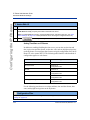
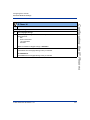
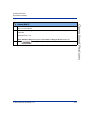
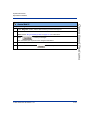
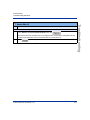
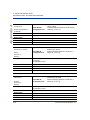
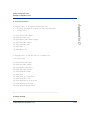
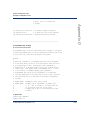
Click
to save your changes.
41-001129-00 Rev 09, Release 1.4.1
5-31
Operational Features
Aastra Web UI