1
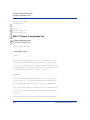
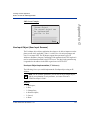
Sample Configuration Files
Sample Configuration Files
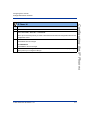
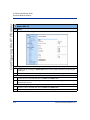
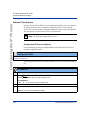
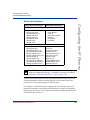
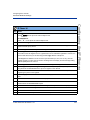
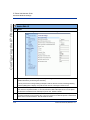
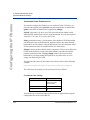
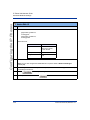
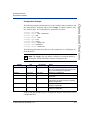
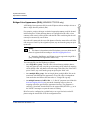
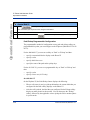
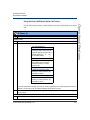
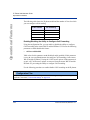
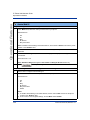
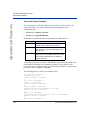
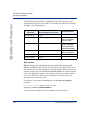
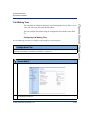
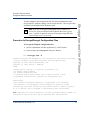
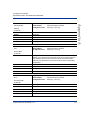
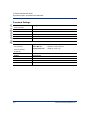
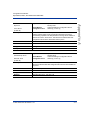
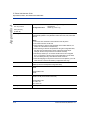
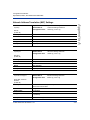
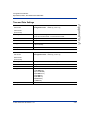
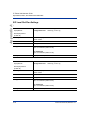
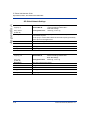
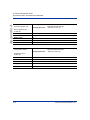
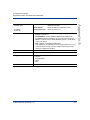
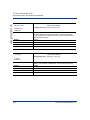
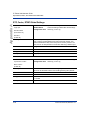
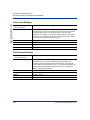
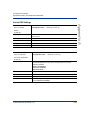
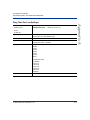
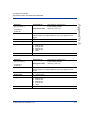
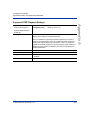
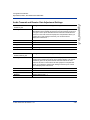
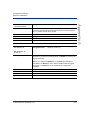
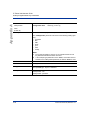
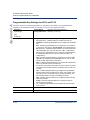
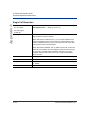
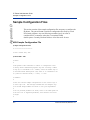
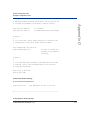
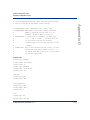
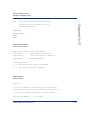
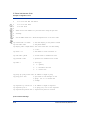
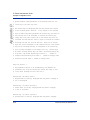
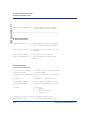
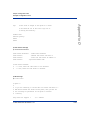
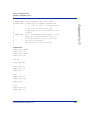
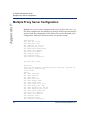
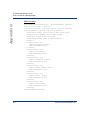
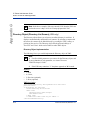
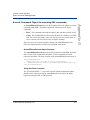
server disabled: 1 # Time server disabled.
server1:
# Enable time server and enter at
server2:
# least one time server IP address or
server3:
# qualified domain name.
Appendix D
#time
#time
#time
#time
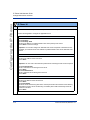
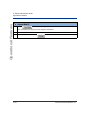
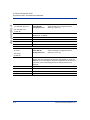
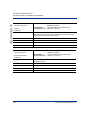
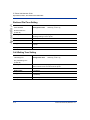
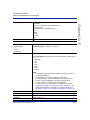
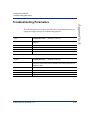
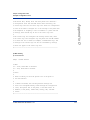
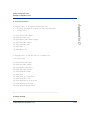
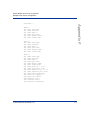
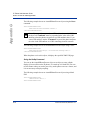
# Time Server Disabled:
# 0 = false, means the time server is not disabled.
# 1 = true, means the time server is disabled.
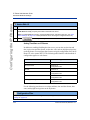
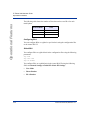
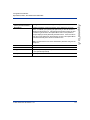
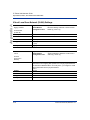
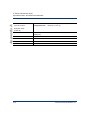
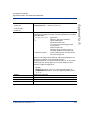
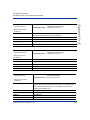
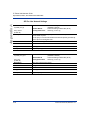
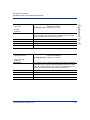
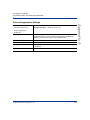
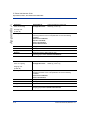
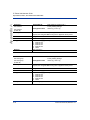
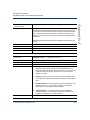
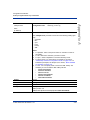
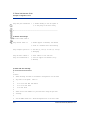
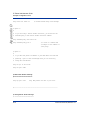
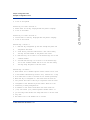
# NAT Settings
#=============
#
#
#
#
#
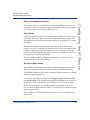
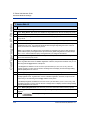
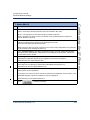
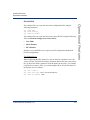
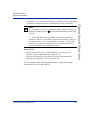
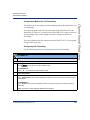
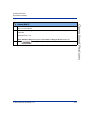
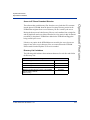
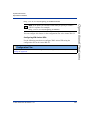
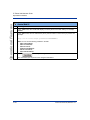
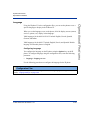
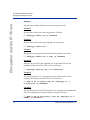
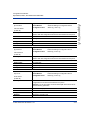
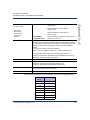
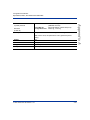
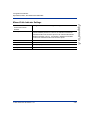
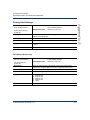
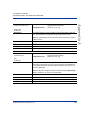
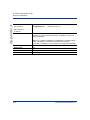
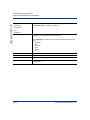
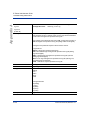
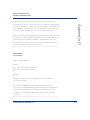
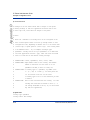
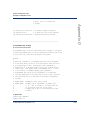
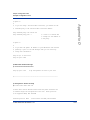
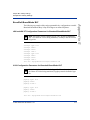
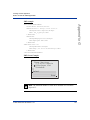
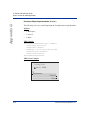
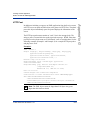
Option 1:
If you are connecting to a Nortel MCS call server and there is a
NAT device between the server and the phone, then you must set the
following two parameters for the phone to function correctly.
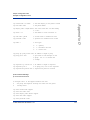
#sip nortel nat support: 1
#sip nortel nat timer: 60
# 1 = enabled
# seconds between keep alive messages
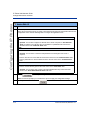
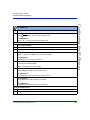
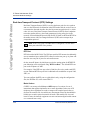
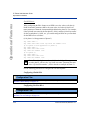
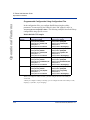
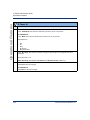
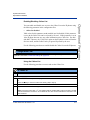
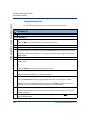
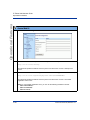
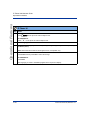
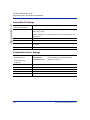
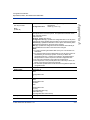
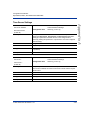
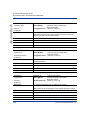
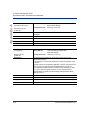
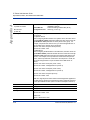
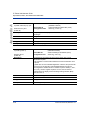
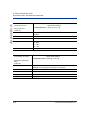
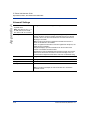
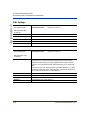
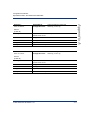
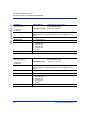
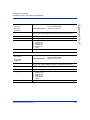
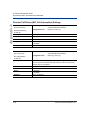
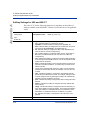
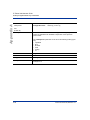
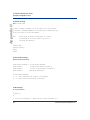
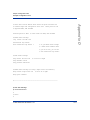
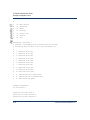
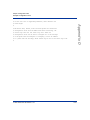
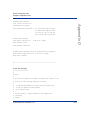
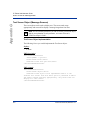
# Option 2:
#
# If you are using a session border controller, you should set the
# outbound proxy to the session border controller address
#sip outbound proxy: sbc.aastra.com
#sip outbound proxy port: 0
#
#
#
#
#
# a value of 0 enables SRV
# lookups for the address of
# the proxy.
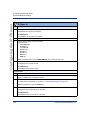
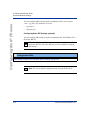
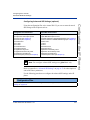
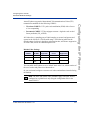
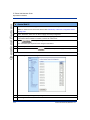
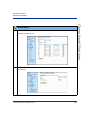
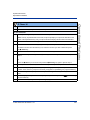
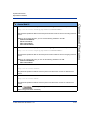
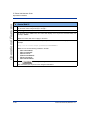
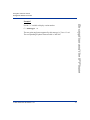
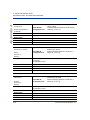
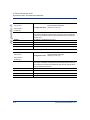
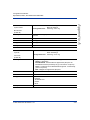
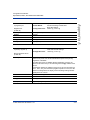
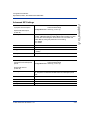
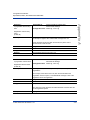
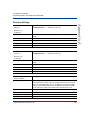
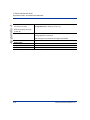
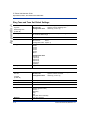
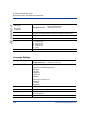
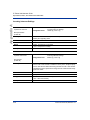
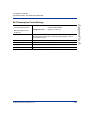
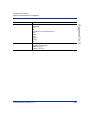
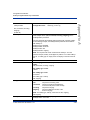
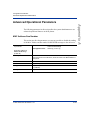
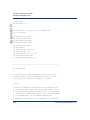
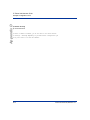
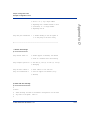
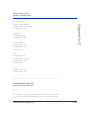
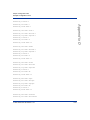
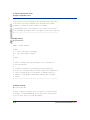
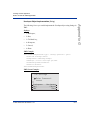
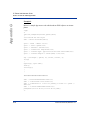
Option 3:
If you know the public IP address of your NAT device and and have
opened up a port for the SIP messages then you can statically
assign this information.
#sip nat ip: 67.123.122.90
#sip nat port: 5890
41-001129-00 Rev 09, Release 1.4.1
D-31