1
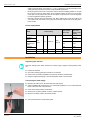
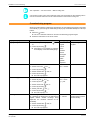
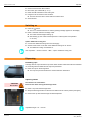
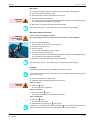
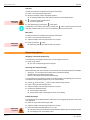
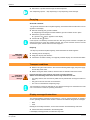
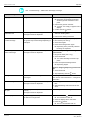
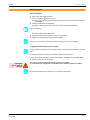
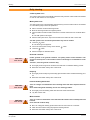
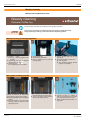
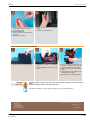
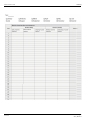
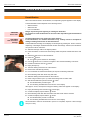
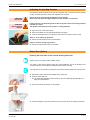
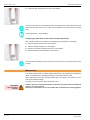
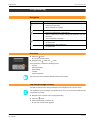
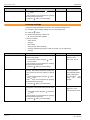
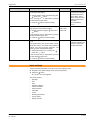
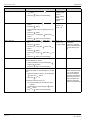
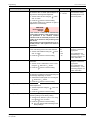
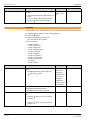
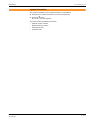
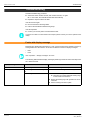
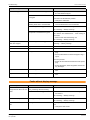
Operation www.schaerer.com ► Remove the cups after the beverage has been dispensed. See "Dispensing options" - "Stop dispensing" to stop dispensing of the beverage. Emptying Grounds container The grounds container must be emptied regularly, at the latest when the instruction to do so appears on the display. ► Remove and empty the grounds container. Dispensing of beverages is blocked while the grounds container is not in place. ► Reinsert the grounds container. "grounds. cont. empty?" appears on the display. ► Confirm with the button. If the request is accidentally confirmed with "No" after the grounds container is emptied, the display instruction to empty the container persists. The grounds container must be removed and inserted again, and the instruction then reappears. Drip tray The drip tray should be emptied regularly, at the latest when the floater appears. CAUTION! Risk of trapping fingers! ► Carefully pull out the drip tray. ► Empty the drip tray and reinsert it. ► Check that it is seated correctly; an improperly inserted drip tray can result in water leaks. Transport conditions ► Before moving the coffee machine, disconnect the drinking water supply, the power supply and the dirty water outlet. ► Before moving the coffee machine, check the floor for obstacles and uneven areas. CAUTION! Risk of machine damage! Improper transport of the machine may result in machine damage. Adhere to the following instructions when moving machines on a cart: • • • For safety reasons, the cart must be pulled and not pushed when moving the coffee machine. Only pull on the cart and never on the machine. The cart is not intended for transporting cargo. The manufacturer cannot be held liable for any damage resulting from unintended use of the cart or from failure to follow the operating instructions. Display messages/instructions The machine displays messages if intervention by a user or service technician is needed to ensure operating readiness of the machine. There are two different categories of messages: • • Note Fault Messages are usually instructions, such as the instruction to fill the drinking water tank. ► Perform the task as described in the following table. If the display message persists, a malfunction may exist. BASCJ_EN V01 | 02.2011 19