1
SITE MANAGEMENT • DIAL-UP SETUP
71
Dial-Up Setup
This section describes in detail the Dial-Up settings and how to
configure them. Each VRC2500 unit has some or all of the
features described in this section available for modification. Not all
of the features need to be changed or have data entered in order
for the software or hardware to function fully. This is left to the
user’s discretion.
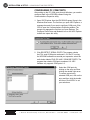
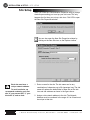
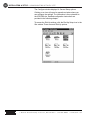
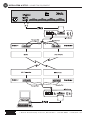
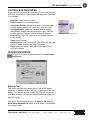
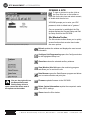
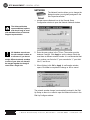
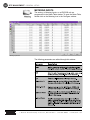
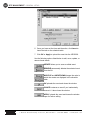
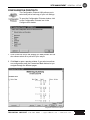
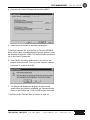
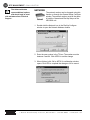
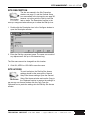
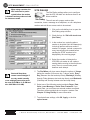
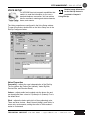
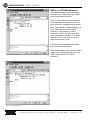
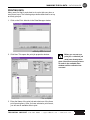
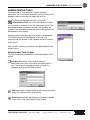
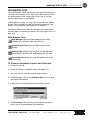
To configure the Dial-Up settings, open the site through the
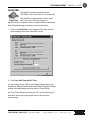
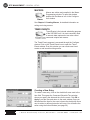
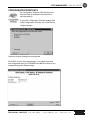
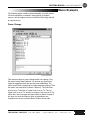
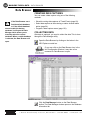
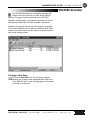
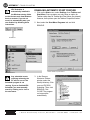
Control Bar. Click on the Dial-Up Setup icon in the Site window to
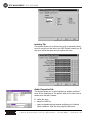
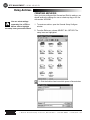
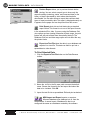
open the Configure window for Dial-Up.
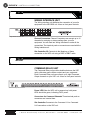
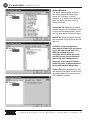
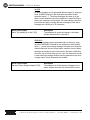
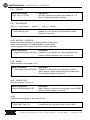
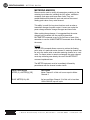
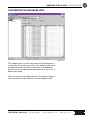
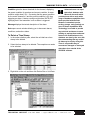
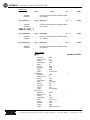
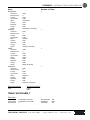
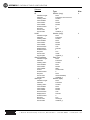
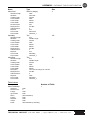
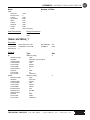
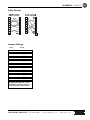
Dial-Up Setup Icon in Site Window
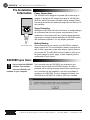
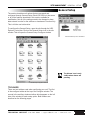
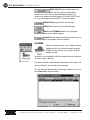
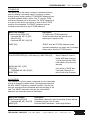
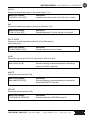
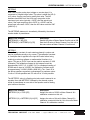
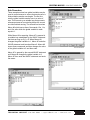
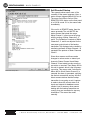
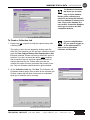
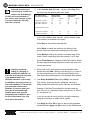
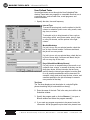
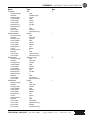
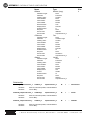
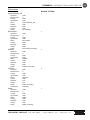
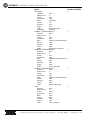
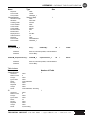
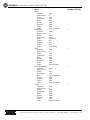
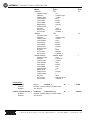
Dial-Up Configure Window
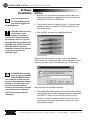
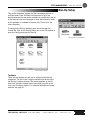
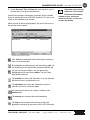
Toolbars
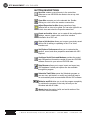
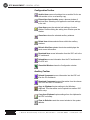
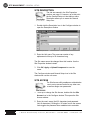
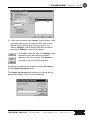
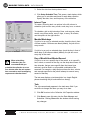
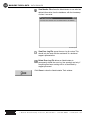
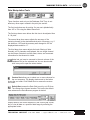
There are two toolbars you will use in configuring the Dial-Up
component. The first is the Configure toolbar found at the top of
the Dial-Up Configure window. The second appears on the left
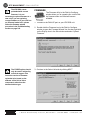
side of the auxiliary windows which open when you click on an
icon in the Configure window. For a detailed description of these
toolbars, see page 46.
T E C H N I C A L S U P P O R T 9 7 8 - 4 8 6 - 0 0 8 6 • s u p p o r t @ b u r k . c o m • w w w. b u r k . c o m