1
SOFTWARE INSTALLATION
BEGIN INSTALLATION
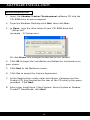
1. Insert the Shadow Tracker™Professional software CD into the
CD-ROM drive of your computer.
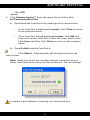
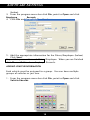
2. From the Windows Desktop click Start, then click Run...
3. In Open: type the drive letter of your CD-ROM drive and
":\Setup.exe”
(example - D:\Setup.exe.).
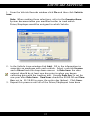
Or click Browse and navigate to the Setup.exe. (below)
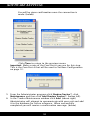
4. Click OK to begin the installation and follow the instructions on
your screen.
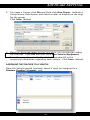
5. Click Next at the Welcome screen.
6. Click Yes to accept the License Agreement.
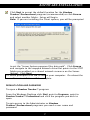
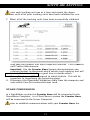
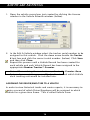
7. At the Registration screen enter your Name, Company and the
Product CD-Key (located on the rear of the CD case) in the space
provided. Click Next.
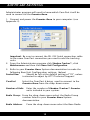
8. Select your Install type: Client System, Server System or Shadow
Tracker™ StandAlone, click Next.
6