1
CDM-710 Broadcast Satellite Modem
Front Panel Operation
5.3.1.1
Revision 11
MN/CDM710.IOM
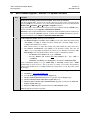
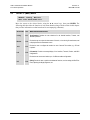
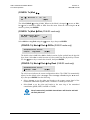
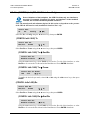
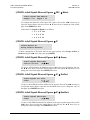
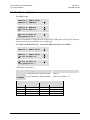
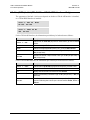
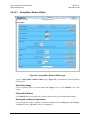
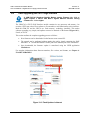
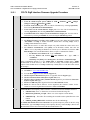
(CONFIG:) Remote (Remote Control)
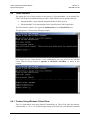
Remote Control: Local
Ethernet Ser+Eth
Serial
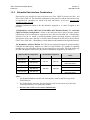
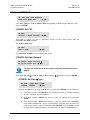
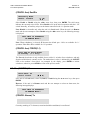
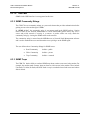
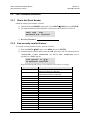
Select Local, Serial, Ethernet, or Ser+Eth using the W X arrow keys, then press ENTER. Note
the following:
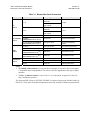
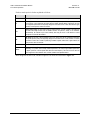
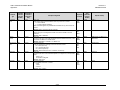
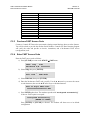
SELECTION
ACTION
Local
Remote control is disabled. Remote monitoring is still possible.
Serial
Additional submenus are displayed – RS232, RS485-2W, and RS485-4W.
Ethernet
Additional submenus are displayed – Gateway, Address, MAC, and SNMP.
Ser+Eth
Enables both the Serial and Ethernet remote ports.
Note: There are no submenus for this selection. All subsequent configuration of these ports is
accomplished using the (CONFIG:) Remote: Serial or (CONFIG:) Remote: Ethernet menus.
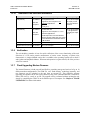
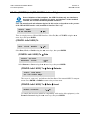
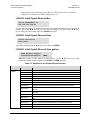
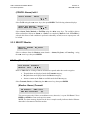
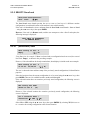
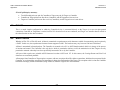
(CONFIG: Remote) Local
When Local is selected, remote control is disabled and local control enabled.
Once ENTER is pressed, the user is returned to the CONFIG: menu.
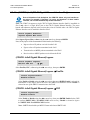
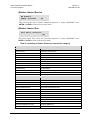
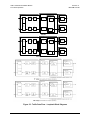
IMPORTANT
When Remote is selected, menu operations associated with Local control are
disabled, and the user may see the following messages and prompts when
menu or command access associated with Local control is attempted:
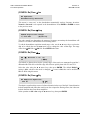
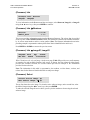
THIS UNIT IS CURRENTLY
IN REMOTE MODE!!
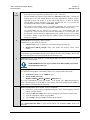
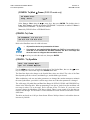
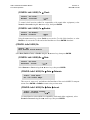
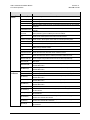
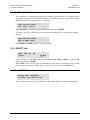
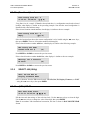
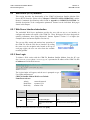
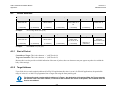
(CONFIG: Remote) Serial
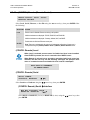
Serial CONFIG:
Interface Baudrate
(E)
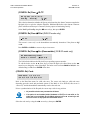
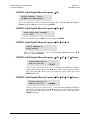
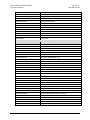
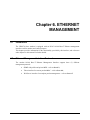
Select Interface or Baudrate using the W X arrow keys, then press ENTER.
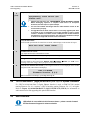
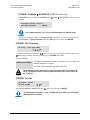
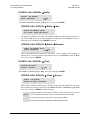
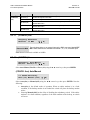
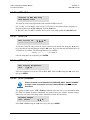
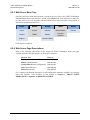
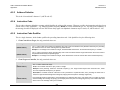
(CONFIG: Remote) Serial Æ Interface
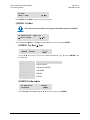
M&C Bus Interface: RS232
RS485-2W RS485-4W
(E)
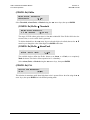
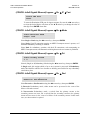
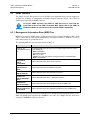
Select RS232 or RS485-2W (2-wire) or RS485-4W (4-wire) using the W X arrow keys, then
press ENTER.
5–8