1
M570.book Page 39 Thursday, June 10, 2010 12:00 PM
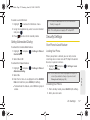
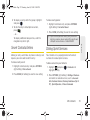
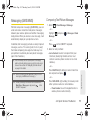
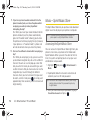
Mark as Urgent to set a priority level of Urgent to
the outgoing message. This notifies any recipient
of the urgent read status for the outgoing
message.
䡲 Set Callback # to set the callback number seen by
text message recipients.
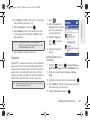
3. Press
or
to store the new settings and
return to the message screen.
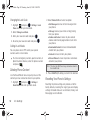
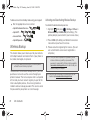
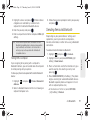
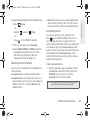
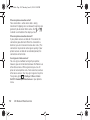
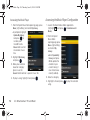
Press the desired letter keys to enter words.
Press
once to capitalize the next letter.
䡲
䡲
Press
䡲
Press
twice to turn on Shift (Caps) lock.
䡲
Press and hold
text.
or
keys:
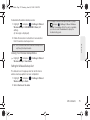
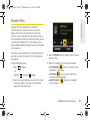
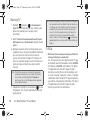
B i l l
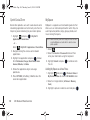
Entering Numbers and Punctuation
䊳
Entering Letters
䊳
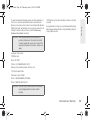
Example: To enter the name "Bill," press the following
to erase the previous letter.
or
to erase all previous
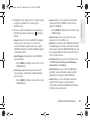
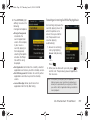
Note: During text entry, a list of possible word choices is
displayed. If your desired word is listed, select the entry
from the list and press
to insert the selected word
into your message.
Phone Basics
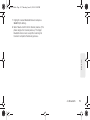
䡲
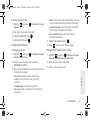
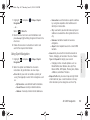
Press
and then press the key with the
desired character displayed on top.
䡲 For example, to enter 9, press
and then
press
.
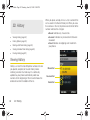
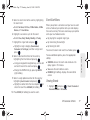
To enter only the top row of characters, double press
to fix all consecutive characters.
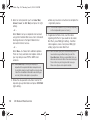
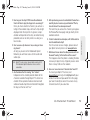
Example: To enter “9:30,” you would use the keyboard
sequence shown below.
9:30
2A. Phone Basics
39