1
Troubleshooting
11.3.2
11
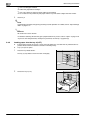
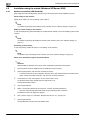
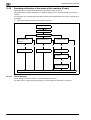
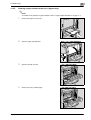
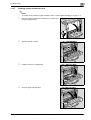
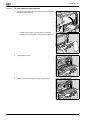
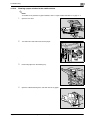
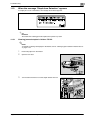
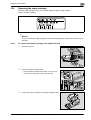
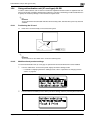
Clearing jammed staples in the saddle stitcher
!
Detail
For details on clearing misfed paper in the finisher, refer to "Clearing a paper misfeed in finisher FS-519"
on page 11-32.
For details on clearing misfed paper in the saddle stitcher, refer to "Clearing a paper misfeed in the
saddle stitcher" on page 11-37.
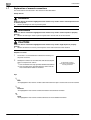
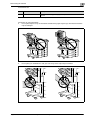
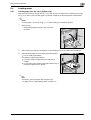
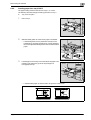
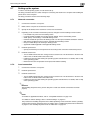
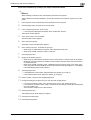
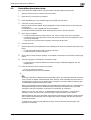
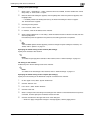
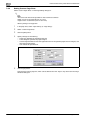
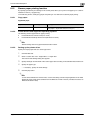
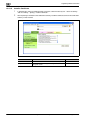
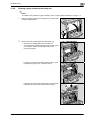
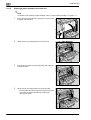
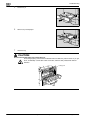
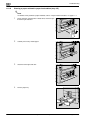
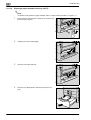
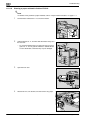
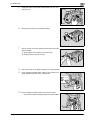
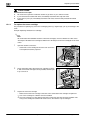
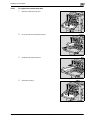
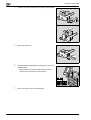
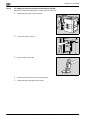
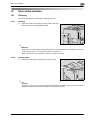
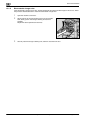
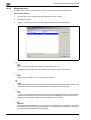
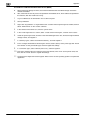
1
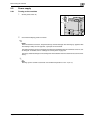
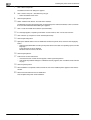
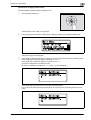
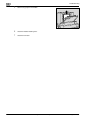
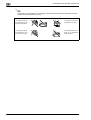
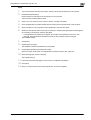
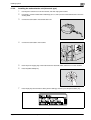
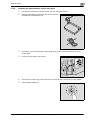
Remove all paper from the finisher.
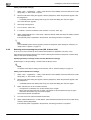
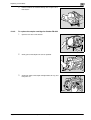
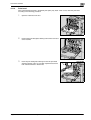
2
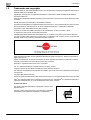
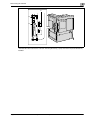
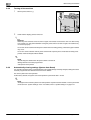
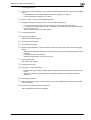
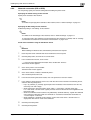
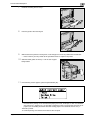
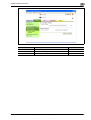
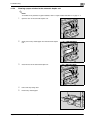
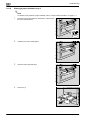
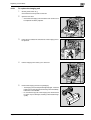
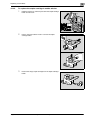
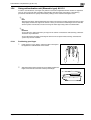
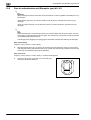
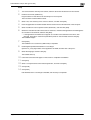
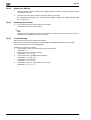
Raise the output tray, and then push down the staple cartridge
holder to remove it.
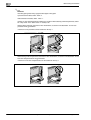
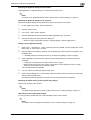
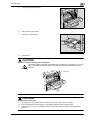
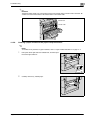
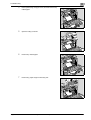
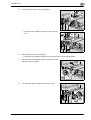
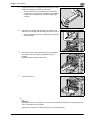
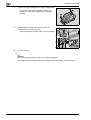
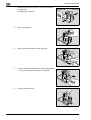
3
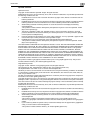
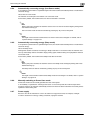
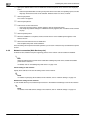
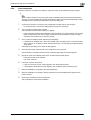
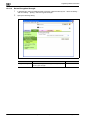
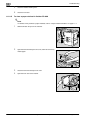
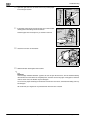
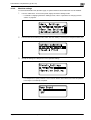
Raise the shutter of the staple cartridge holder, and then
remove one sheet of staples.
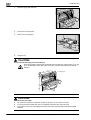
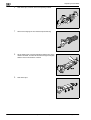
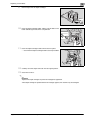
4
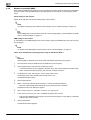
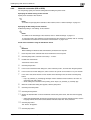
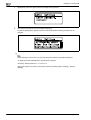
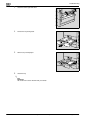
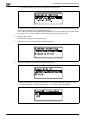
Return the shutter of the staple cartridge holder to its original position.
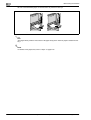
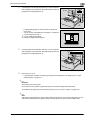
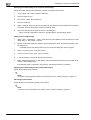
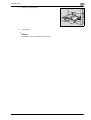
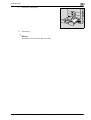
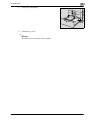
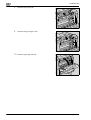
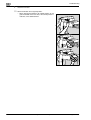
5
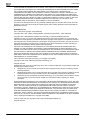
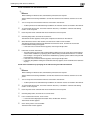
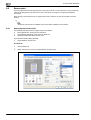
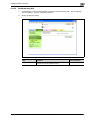
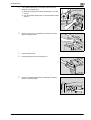
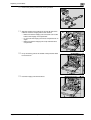
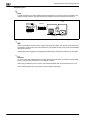
Insert the staple cartridge holder, and then push it up until it
locks into place.
–
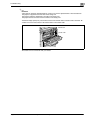
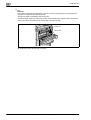
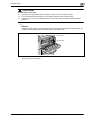
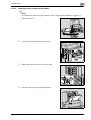
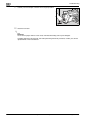
6
magicolor 8650
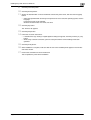
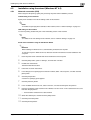
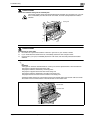
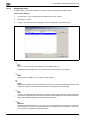
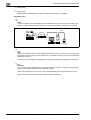
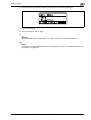
When inserting the staple cartridge holder, be sure to
insert it so that it faces the correct direction.
Return the output tray to its original position.
EDNord - Istedgade 37A - 900 Aalborg - telefon 9633 3500
11-43