1
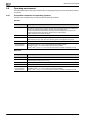
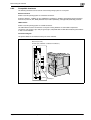
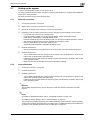
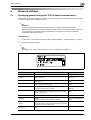
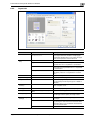
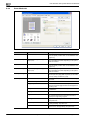
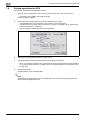
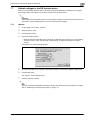
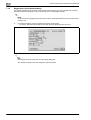
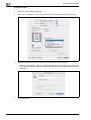
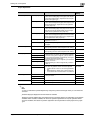
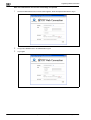
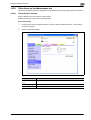
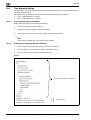
Settings for control panel
9
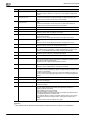
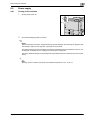
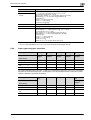
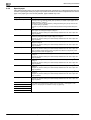
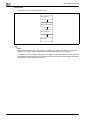
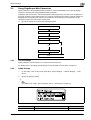
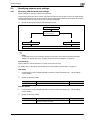
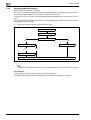
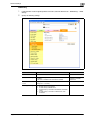
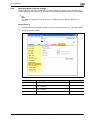
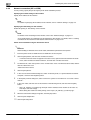
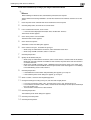
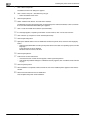
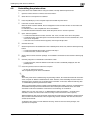
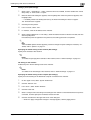
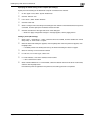
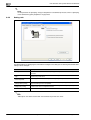
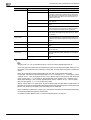
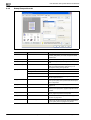
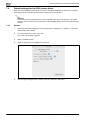
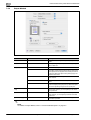
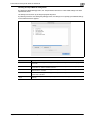
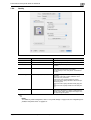
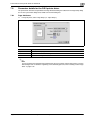
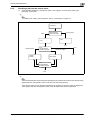
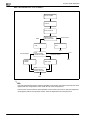
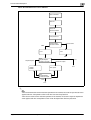
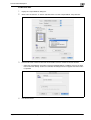
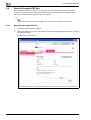
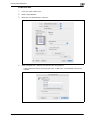
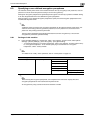
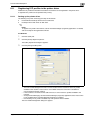
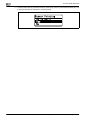
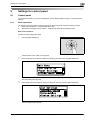
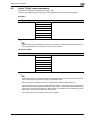
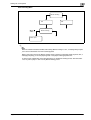
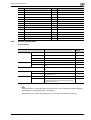
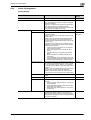
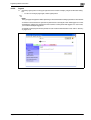
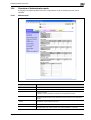
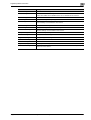
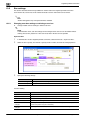
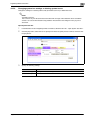
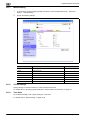
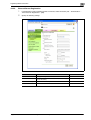
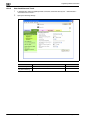
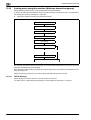
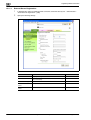
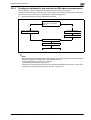
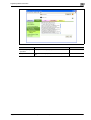
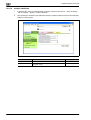
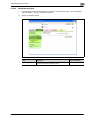
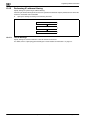
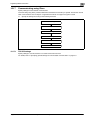
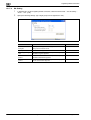
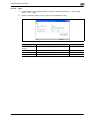
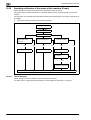
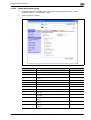
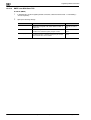
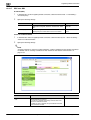
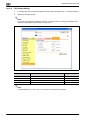
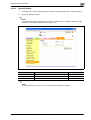
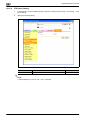
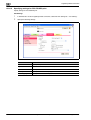
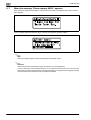
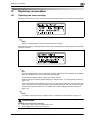
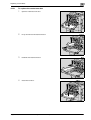
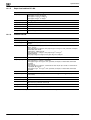
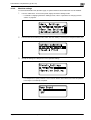
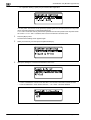
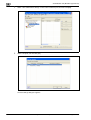
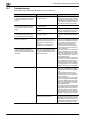
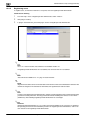
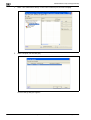
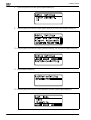
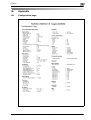
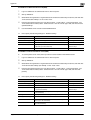
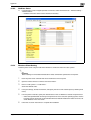
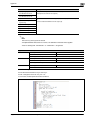
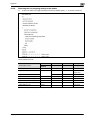
Paper Setting Menu
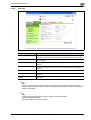
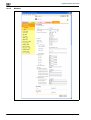
Paper Setting Menu
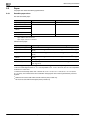
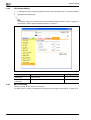
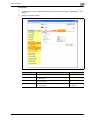
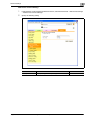
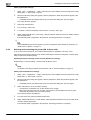
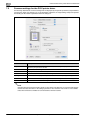
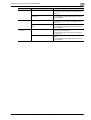
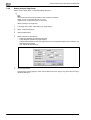
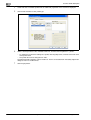
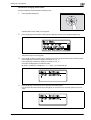
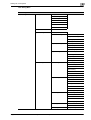
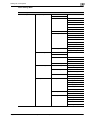
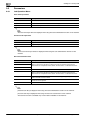
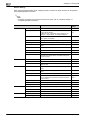
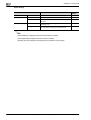
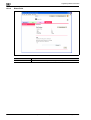
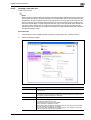
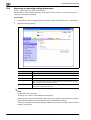
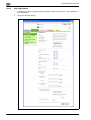
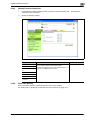
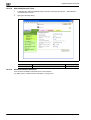
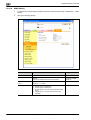
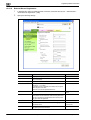
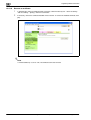
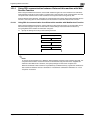
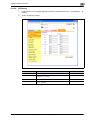
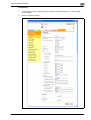
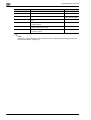
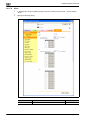
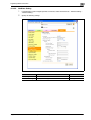
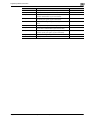
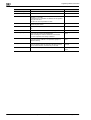
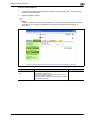
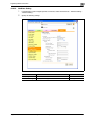
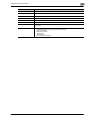
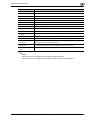
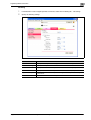
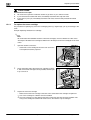
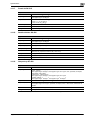
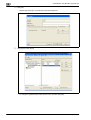
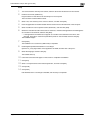
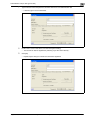
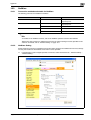
Paper Settings
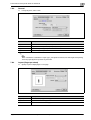
Tray1
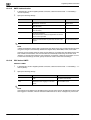
Paper Size
Paper Type
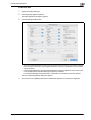
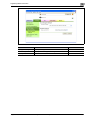
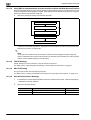
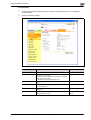
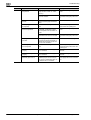
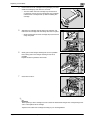
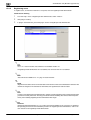
Tray2
Wide Paper Size
Paper Type
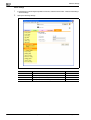
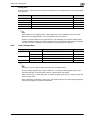
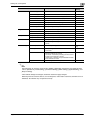
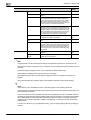
Tray3
Wide Paper Size
Paper Type
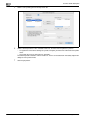
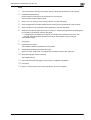
Tray4
Wide Paper Size
Paper Type
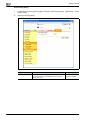
Tray5
Wide Paper Size
Paper Type
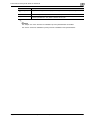
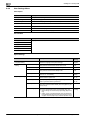
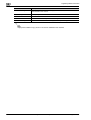
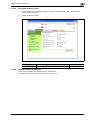
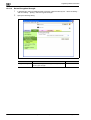
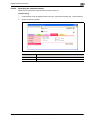
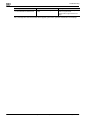
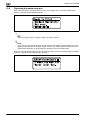
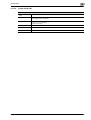
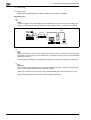
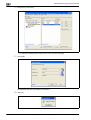
Tray4
Paper Type
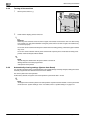
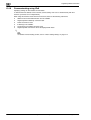
2
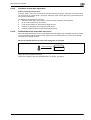
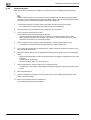
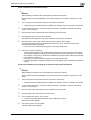
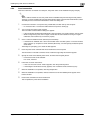
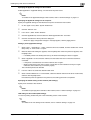
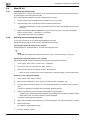
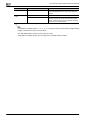
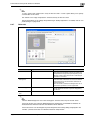
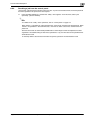
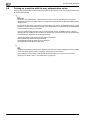
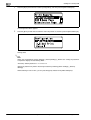
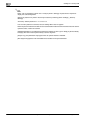
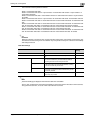
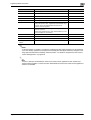
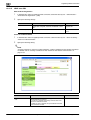
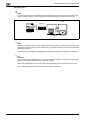
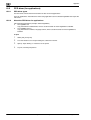
Note
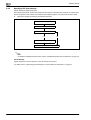
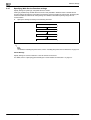
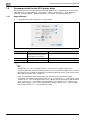
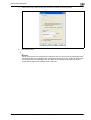
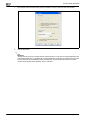
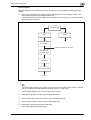
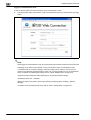
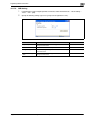
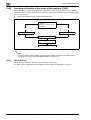
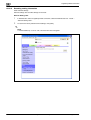
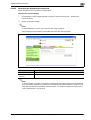
When "ON" is specified for [Admin. Sec. Levels] of [Admin. Settings], the password is required to
display the Paper Setting Menu.
The factory default password is "1 2 3 4 5 6 7 8".
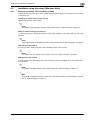
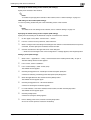
Specify the password in [Admin. Password] accessed by selecting [Admin. Settings] - [Security
Settings].
If an incorrect password is entered, the Paper Setting Menu does not appear.
When the password became invalid due to an authentication failure and the machine enters the restrict
operation status, restart the machine.
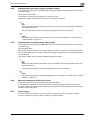
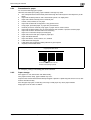
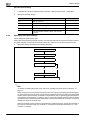
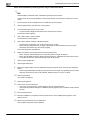
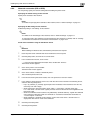
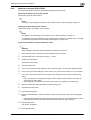
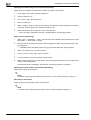
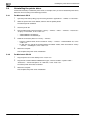
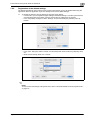
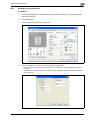
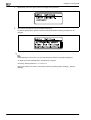
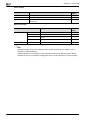
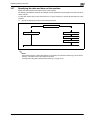
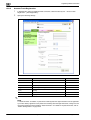
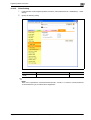
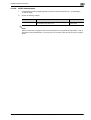
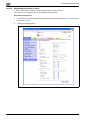
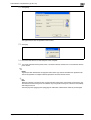
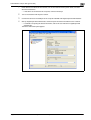
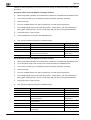
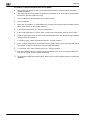
When "Custom Size" or "Wide Paper Size" is selected for [Paper Size] of [Tray 1], specify a paper size
using a numeric value.
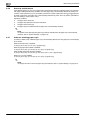
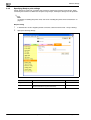
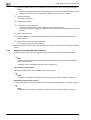
The paper tray to be displayed differs depending on the installed options.
9-8
EDNord - Istedgade 37A - 900 Aalborg - telefon 9633 3500
magicolor 8650