1
Digital Projection Titan
Pro Series 3
SIGNAL INPUTS AND OUTPUTS
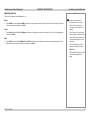
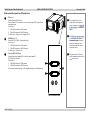
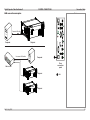
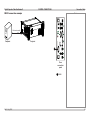
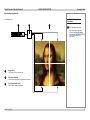
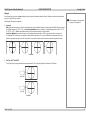
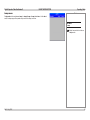
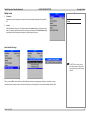
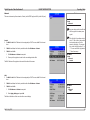
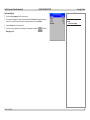
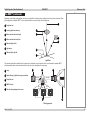
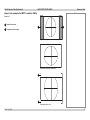
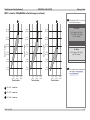
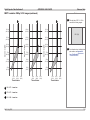
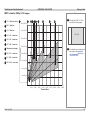
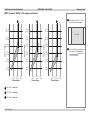
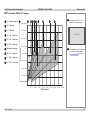
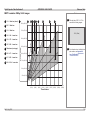
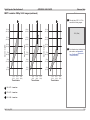
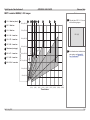
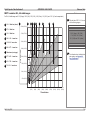
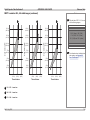
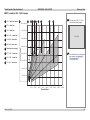
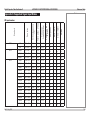
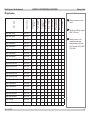
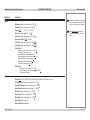
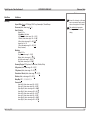
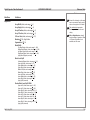
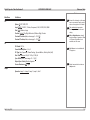
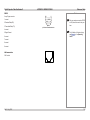
3D connection examples
Connection Guide
Notes
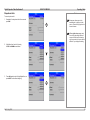
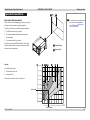
3D sources up to 60Hz, requiring frame doubling and left/right interleaving
Use inputs 1-8 if the geometry of the
image needs to be adjusted.
Video
For more information on 3D settings,
see Some 3D settings explained in
the Operating Guide.
Inputs 1-11
Sync
Sync in
Sync out
ZScreen or IR emitter
3D server
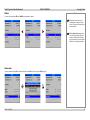
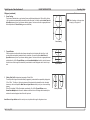
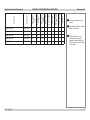
3D sources above 60Hz
Video
Input 9
Sync
Sync in
3D server
Rev F July 2014
Sync out
ZScreen or IR emitter
31