1
IP Multicasting
31
Configuration Examples
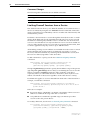
This section contains the following multicasting configurations that use IGMP:
■
Static IGMP
■
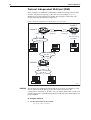
Protocol Independent Multicast (PIM)
Static IGMP
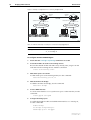
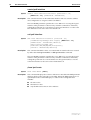
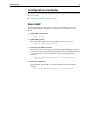
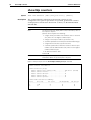
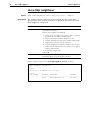
The following example shows how to create a static IGMP association. It
assumes that vlan1 has already been configured as an IP interface on the
switch.
1.
Enable IGMP on the switch.
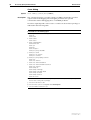
enable ip igmp
2.
Enable IGMP on vlan1.
This must be done before the static IGMP association is created.
enable ip igmp interface=vlan1
3.
Create the static IGMP association.
The multicast data for the group specified by the destination parameter is
forwarded over ports specified by the port parameter. If the port parameter
is not entered, the association defaults to all ports belonging to the
interface.
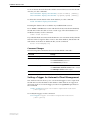
create ip igmp destination=224.1.2.3 interface=vlan1
port=1-4
4.
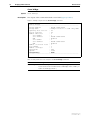
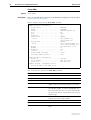
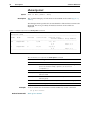
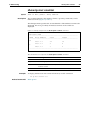
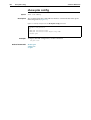
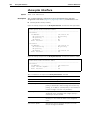
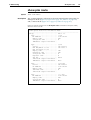
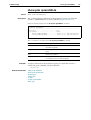
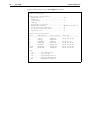
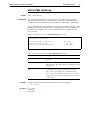
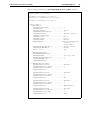
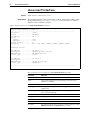
Check the configuration.
Check that the static IGMP association has been created and IGMP is
enabled.
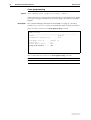
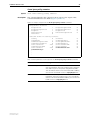
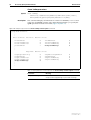
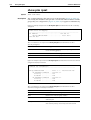
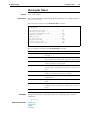
show ip igmp destination=224.1.2.3 interface=vlan1