1
1054K07A.FM
28.10.96
Gigaset 1054, GBR: A30852-X954-B101-1-7619
Operation with Comfort Mobile Unit
Using the Menu
Using the Dialog Keys
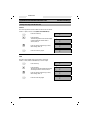
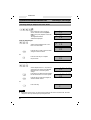
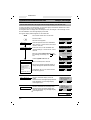
External 1
0123456
MUTE
CoNSLT.
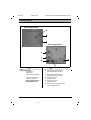
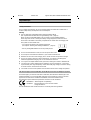
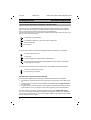
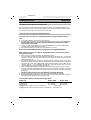
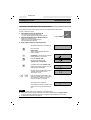
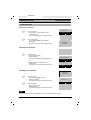
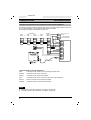
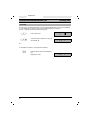
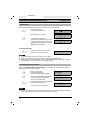
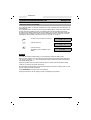
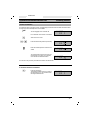
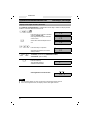
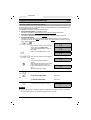
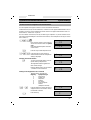
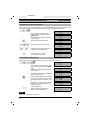
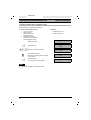
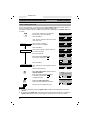
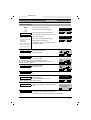
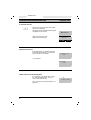
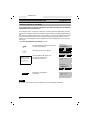
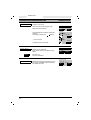
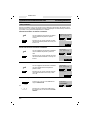
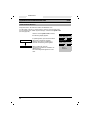
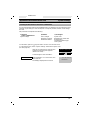
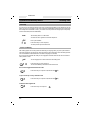
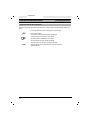
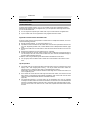
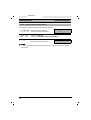
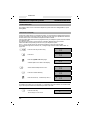
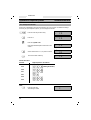
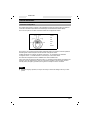
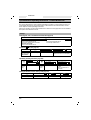
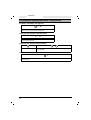
The bottom line of the Comfort mobile unit display has two
fields with dark backgrounds. These show the features, which
are based on the status.
These features can be activated, when needed, using the dialog
keys below them.
Example:
F
Dialog keys
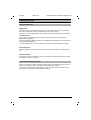
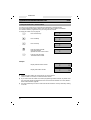
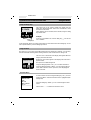
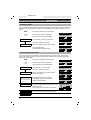
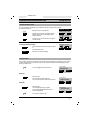
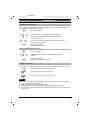
To set up a consultation call, use the dialog key
ture “CONSLT.”
ä
for the fea-
In the description below, the name of the feature is used instead of the term dialog key. To activate a specific feature, press the dialog key below it.
Using the Menu
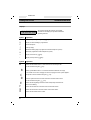
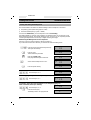
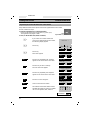
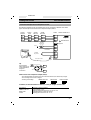
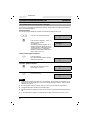
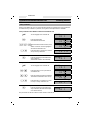
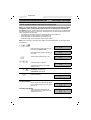
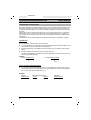
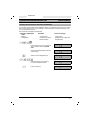
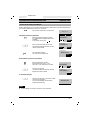
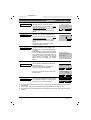
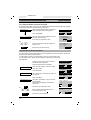
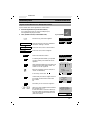
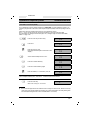
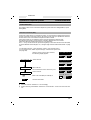
The menu key ßis found in the middle, between the two dialog keys. With this, you can easily
activate menus for switching and for setting functions, either in idle status or during a call.
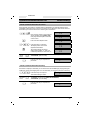
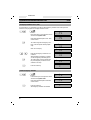
Telephone Book
Number redial
Telephone lock
NEXT
OK
F
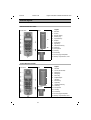
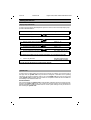
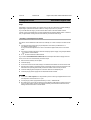
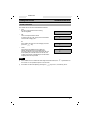
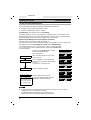
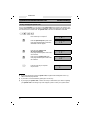
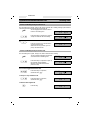
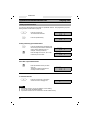
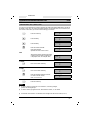
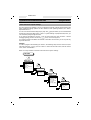
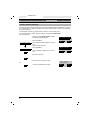
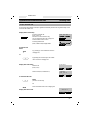
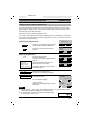
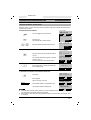
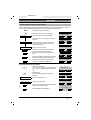
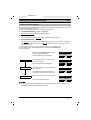
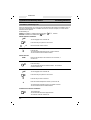
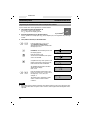
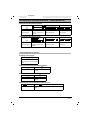
The main menu is at the left of the display. This appears after the
F-key is pressed in idle status.
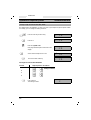
Three lines of the menu appear on the display. The entire menu
appears below.
The top line has a dark background.
Using the dialog key below “OK,” you can select this feature .
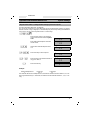
Using the dialog key below “NEXT,” you can scroll through the
menu. Each menu line moves up one line, thus displaying the
other menu lines.
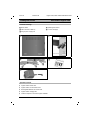
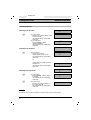
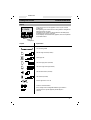
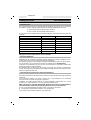
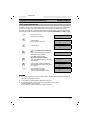
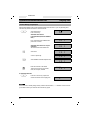
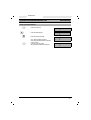
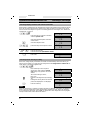
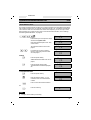
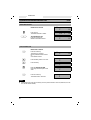
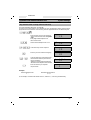
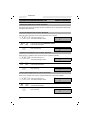
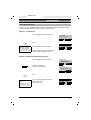
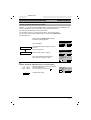
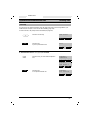
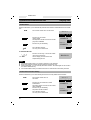
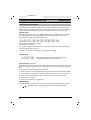
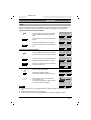
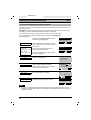
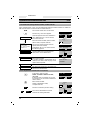
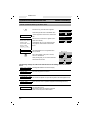
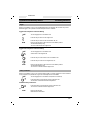
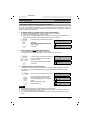
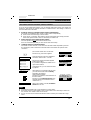
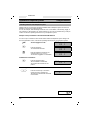
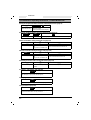
The Entire Menu
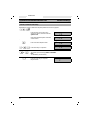
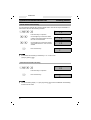
Tel.book
Number redial
Telephone lock
Tones
Settings
Search station
Service
---------
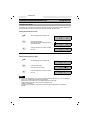
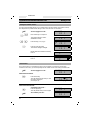
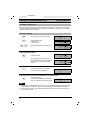
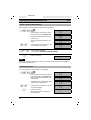
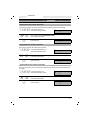
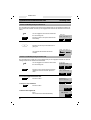
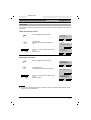
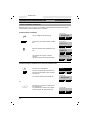
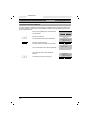
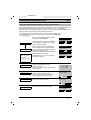
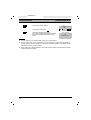
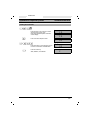
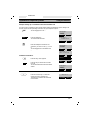
In order to select a function using the dialog key “OK,” you must
scroll with “NEXT” until the desired function is highlighted (dark
background).
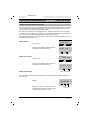
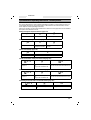
Using the dialog key “NEXT,” you can scroll through the entire
menu.
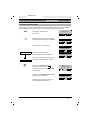
The line with “- - - -” indicates the end of the menu.
77