1
28.10.96
1054K03.FM
Gigaset 1054, GBR: A30852-X954-B101-1-7619
Putting Into Service
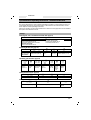
Standard Mobile Unit
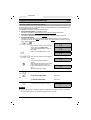
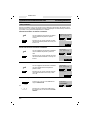
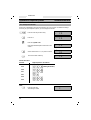
Displays
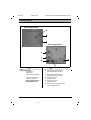
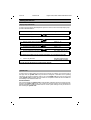
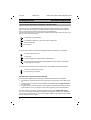
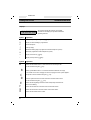
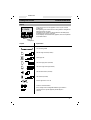
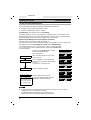
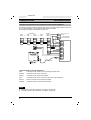
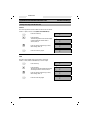
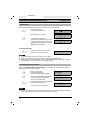
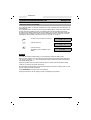
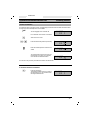
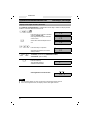
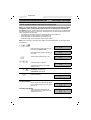
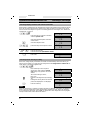
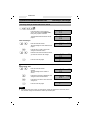
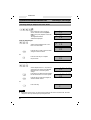
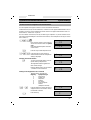
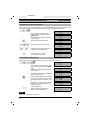
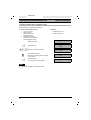
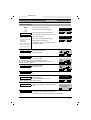
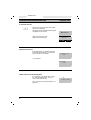
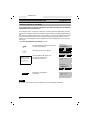
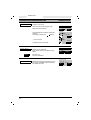
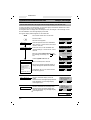
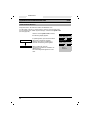
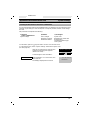
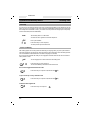
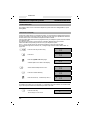
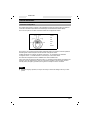
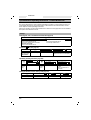
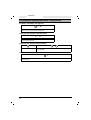
uUPzAHn-88888888
A BCD E F G H
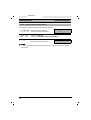
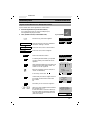
The top lines display all numbers and symbols,
the bottom lines display the symbols for different
operating statuses.
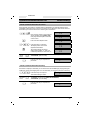
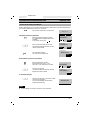
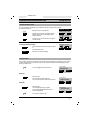
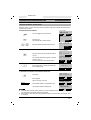
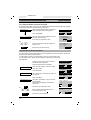
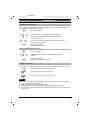
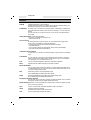
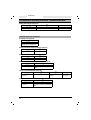
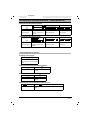
Symbol
Explanation
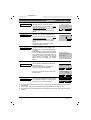
u
Display after pushing the signal key, ekey.
U
Display of call forwarding, if programmed.
P
Manual dial pause
z
Memory empty.
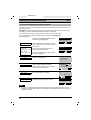
A
AKZ discriminating digit (only significant if behind telephone system)
H
HAKZ (only significant if behind telephone system)
n
Display of the star key,
-
Display of the pound key, #key.
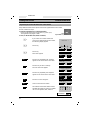
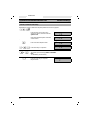
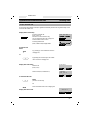
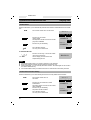
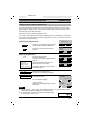
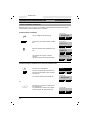
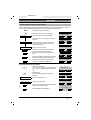
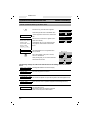
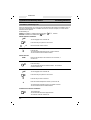
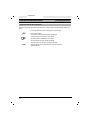
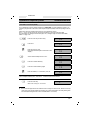
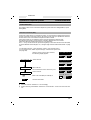
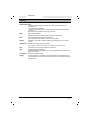
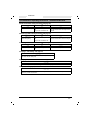
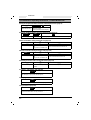
Symbols
Explanation
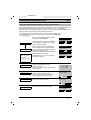
A
B
C
D
E
F
G
H
16
*
key.
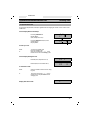
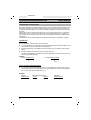
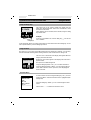
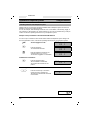
Shows that the mobile unit is in save status and is not ready to dial.
Can be activated using the w key.
Battery symbol blinks about 5 - 10 minutes before the batteries are empty.
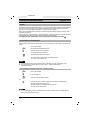
If the mobile unit is in the charging unit and is charging, then this symbol appears.
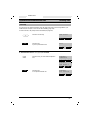
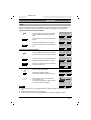
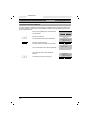
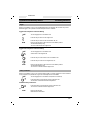
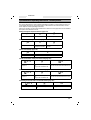
ON symbol. Can be activated using the u key.
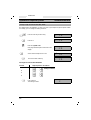
Connect symbol shows that a radio channel to the base station exists.
Can be activated using the g key.
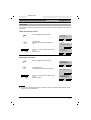
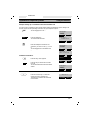
Shows that the signalling method has been temporarily switched from
pulse to tone dialing.
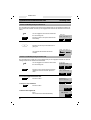
Shows that an external connection exists via the base station.
Shows that an internal connection exists via the base station.
Shows that the mobile unit is locked.