1
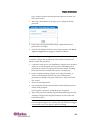
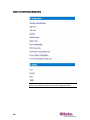
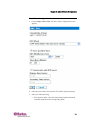
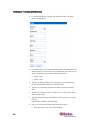
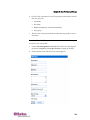
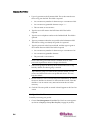
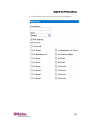
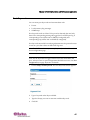
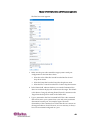
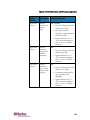
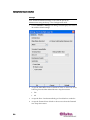
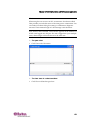
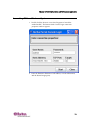
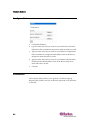
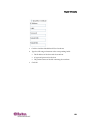
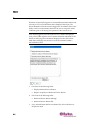
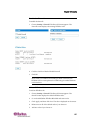
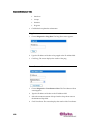
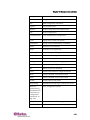
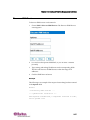
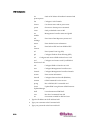
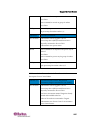
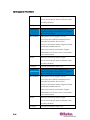
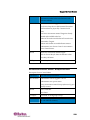
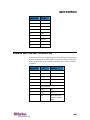
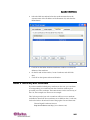
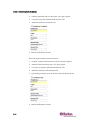
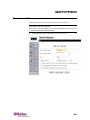
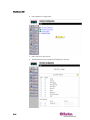
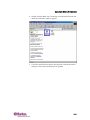
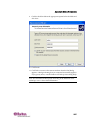
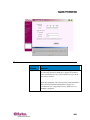
Chapter 6: User Profiles and Groups 3. 4. Type a group name in the Group Name field. You can enter any number of characters up to a maximum of 255. You can enter all letters and numbers, as well as the underscore character (_) The user name is case sensitive. Select the class from the drop‐down menu in the Class field. Your choices are: 39