1
8-port Gigabit Ethernet Switch User’s Guide
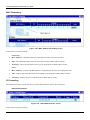
Switch Information
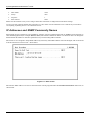
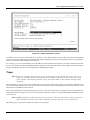
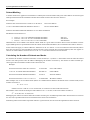
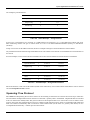
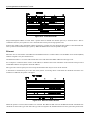
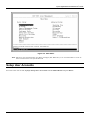
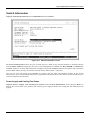
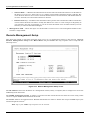
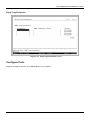
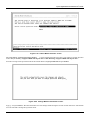
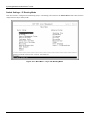
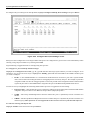
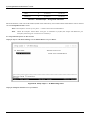
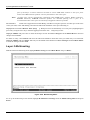
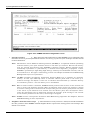
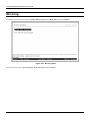
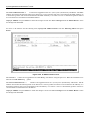
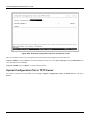
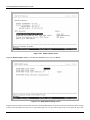
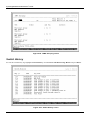
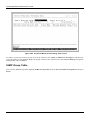
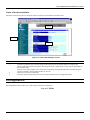
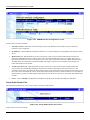
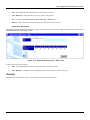
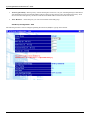
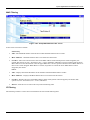
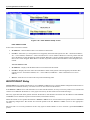
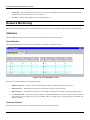
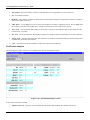
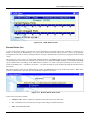
Highlight Switch Information from the Main Menu and press Enter:
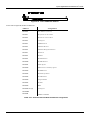
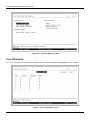
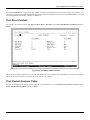
Figure 6-11. Switch Information screen
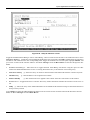
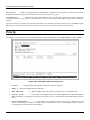
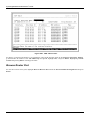
The Switch Information shows the type of switch (Layer 3), which (if any) external modules are installed, and the
Switch’s MAC Address (assigned by the factory and unchangeable). In addition, the Boot PROM and Firmware
Version numbers are shown. This information is helpful to keep track of PROM and Firmware updates and to obtain the
Switch’s MAC address for entry into another network device’s address table – if necessary.
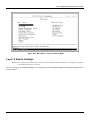
You can also enter the name of the System, its location, and the name and telephone number of the System
Administrator. It is recommended that the person responsible for the maintenance of the network system that this Layer 3
switch is installed on be listed here.
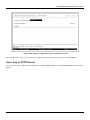
Power Supply and Cooling Fan Status
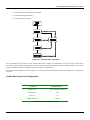
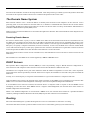
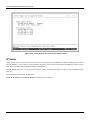
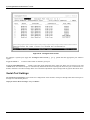
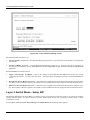
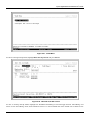
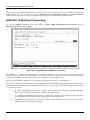
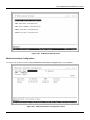
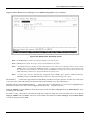
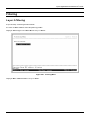
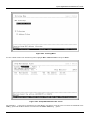
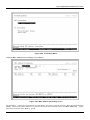
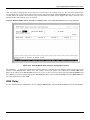
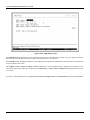
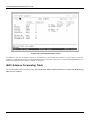
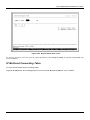
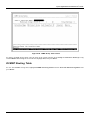
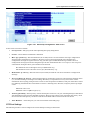
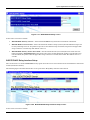
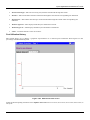
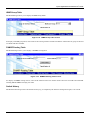
Highlight Power Supply and Cooling Fan Status on the Switch Information screen and press Enter to
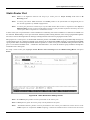
display the current status of the primary and secondary power supplies and the four cooling fans. The following screen
appears:
66