1
Installing Software on Your Computer
This section provides installation procedure of drivers to use the Canon Color
imageCLASS MF8180c as a network or a local printer, fax and a local scanner
(connected directly to your computer).
Installation
1
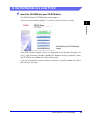
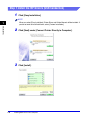
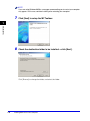
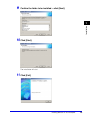
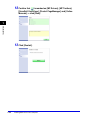
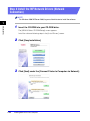
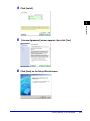
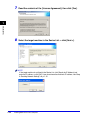
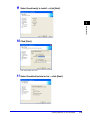
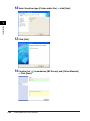
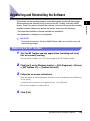
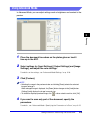
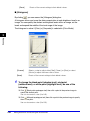
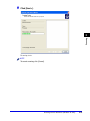
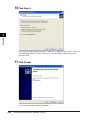
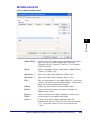
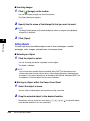
When installing the drivers, follow the steps shown in the [MF8100 Series Setup]
screen.
Before you install the software, be sure to:
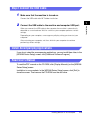
• Confirm
the machine is not connected to your computer.
• Turn
on the machine. (Refer to the Quick Start Guide.)
• Quit
any Windows application running on your computer.
IMPORTANT
If you are using Windows 2000/XP/Server 2003, be sure to log on as a member of
Administrators.
NOTE
• Use of a cable 9.8 ft (3 m) long or less is recommended.
• The screen shots shown are from Windows XP.
1-4
Installing Software on Your Computer






















































![4 Fare clic su [OK]](http://vs1.manualzilla.com/store/data/006160518_1-ecbfa5800aa7e22e762bce920beb4116-150x150.png)