1
Settings | Control Panel Options
85
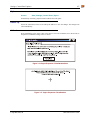
Battery
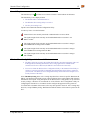
Access:
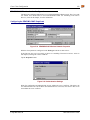
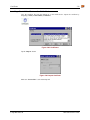
Start | Settings | Control Panel | Battery
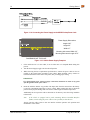
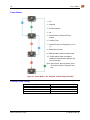
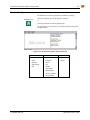
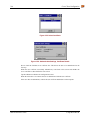
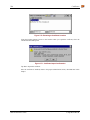
View the status of the Main and Backup batteries.
Battery
Battery
Voltage:
Main:
Status:
12.121 V (raw=3485)
Backup:
5.099 V (raw=2167)
Jacked
Charge
Discharge
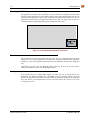
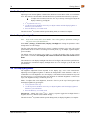
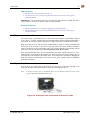
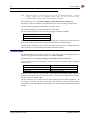
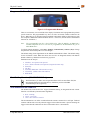
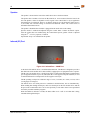
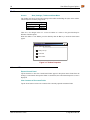
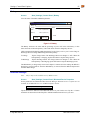
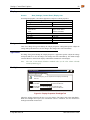
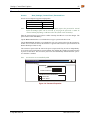
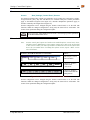
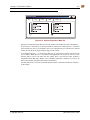
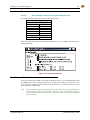
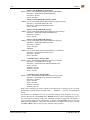
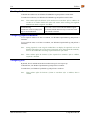
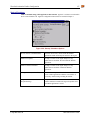
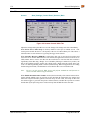
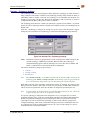
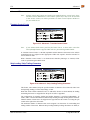
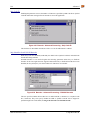
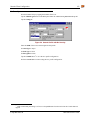
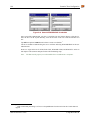
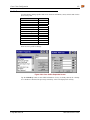
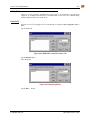
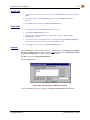
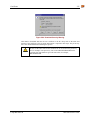
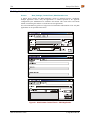
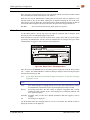
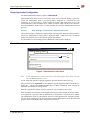
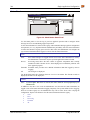
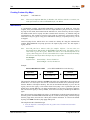
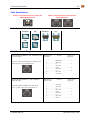
Figure 3-3 Battery
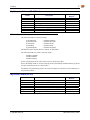
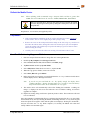
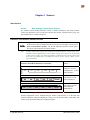
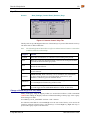
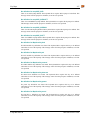
The Battery tab shows the status and the percentage of power left in the main battery. It also
shows the status of the backup battery. The listed values cannot be changed by the user.
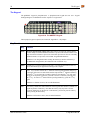
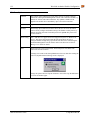
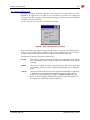
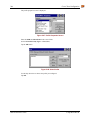
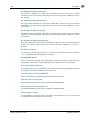
LXE recommends Discharging and Recharging the backup battery twice a year. Use the Charge or
Discharge buttons to charge and discharge the backup battery:
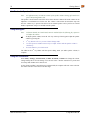
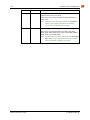
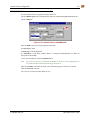
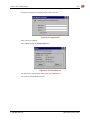
To Charge
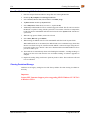
Tap the Charge button. The Discharge button text changes to “Off”. When the
backup battery is charging, tap the Off button to stop the Charge process.
To Discharge
Tap the Discharge button. The Charge button text changes to “Off”. When the
backup battery is discharging, tap the Off button to stop the Discharge process.
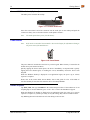
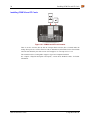
The Main Battery is charged only when an AC adapter is connected via the endcap, the MX3X is
docked in a powered cradle or when the Main Battery is removed from the MX3X and placed in
the MX3 Multi-charger.
Bluetooth Manager
Note:
May or may not be available in every MX3X version.
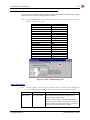
Access:
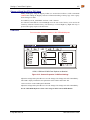
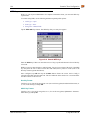
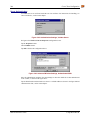
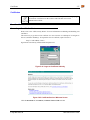
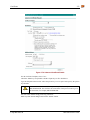
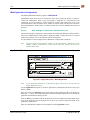
Start | Settings | Control Panel | Bluetooth Device Properties
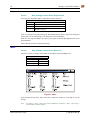
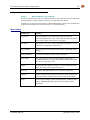
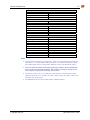
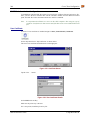
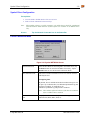
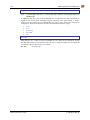
Set the parameters for a Bluetooth radio. Bluetooth Manager, Bluetooth service or options are not
available for all MX3X devices or in all MX3X software releases.
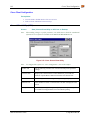
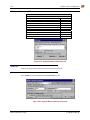
Factory Default Settings
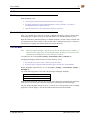
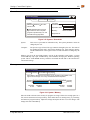
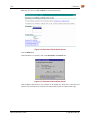
All Found Devices
Untrusted
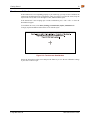
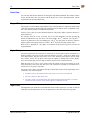
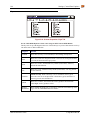
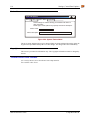
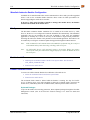
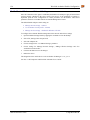
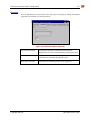
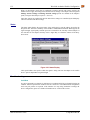
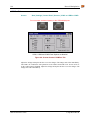
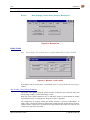
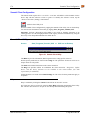
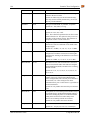
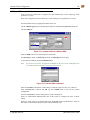
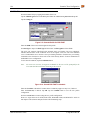
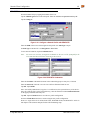
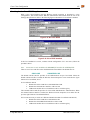
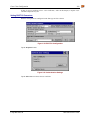
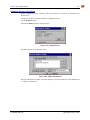
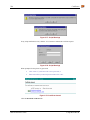
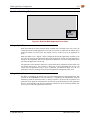
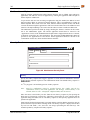
Tap the Scan Device button to locate Bluetooth devices in your wireless area. Tap the “?” button
and follow the instructions in the Help file to authenticate Bluetooth devices in your area.
E-EQ-MX3XRG-H
MX3X Reference Guide