1
Getting started
Receiving faxes
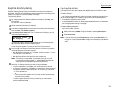
Answering calls manually
Tel Ready mode
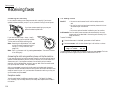
In any reception mode, you can always answer calls manually if you have an
optional handset installed. Just pick it up, as you would if using a normal phone.
Use it if:
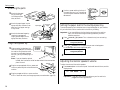
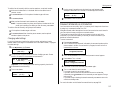
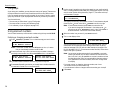
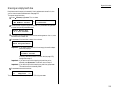
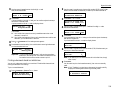
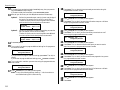
If you hear someone speaking to you, use your
optional handset to speak back.
If you hear fax tones (“beep — beep — beep”),
press START and hang up the optional handset.
The fax machine will begin receiving a fax.
Note: Receiving this way disables “V.34” mode
so that the machine receives the fax in
normal ITU-T Group 3 fashion. (See
page 3.18.)
Note: Don’t try to answer a call by pressing MONITOR/CALL. The monitor function
is for dialing only.
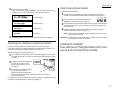
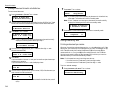
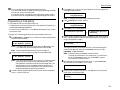
Answering fax calls using another phone, not the fax machine
If you have one phone line ringing to several phones in your office and you have an
optional handset attached to your fax, there’s no need to run to the fax machine to
answer every call. If you happen to answer a fax call while you’re at another
extension, put the handset down, but don’t hang up. Walk to the fax machine and
pick up the optional handset. Then press START.
After you press START, hang up both the fax machine’s handset and the second
telephone’s handset. Because remote fax machines will wait several seconds to hear
reception tones from your unit, you have about 30 seconds to walk to your fax, pick
up the handset, and press START.
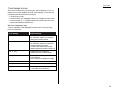
Reception modes
Your fax machine has five different reception modes — Tel Ready, Fax Ready,
Fax/Tel Ready, Tel/Fax Ready and Ans/Fax Ready. We’ll explain each of these in
this section.
1.18
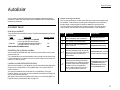
• You want to use the same line for both fax and phone calls
and
• On that line, you’re using at least one other phone which is not
connected to your fax machine
or
• You have an optional handset installed on your fax machine
In this mode: Your fax machine never answers calls automatically. You must
answer each call as described in “Answering calls manually” (this
page, left column).
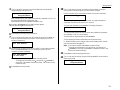
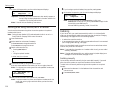
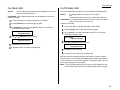
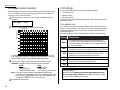
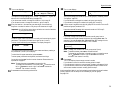
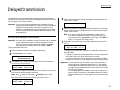
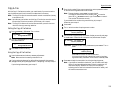
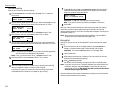
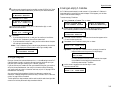
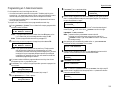
To select Tel Ready:
1
2
If there’s a document in the feeder, press STOP so it will feed out.
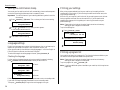
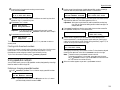
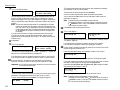
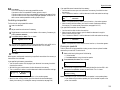
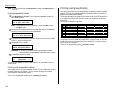
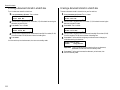
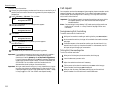
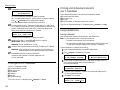
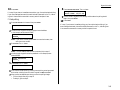
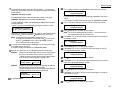
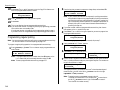
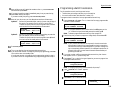
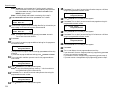
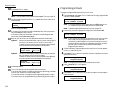
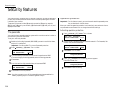
Press AUTO ANSWER until the Auto Answer light is off and the LCD shows:
Tel Ready
Sep 11 1999
20:30
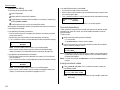
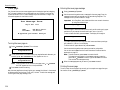
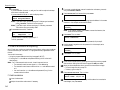
To toggle between Tel Ready and your default mode, press AUTO ANSWER. The Auto
Answer light comes on again, and your default mode shows on the LCD.