1
Beyond the basics
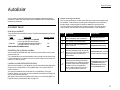
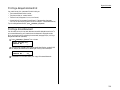
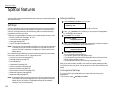
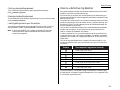
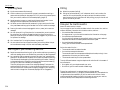
Security features
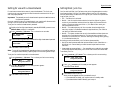
Your machine has a number of security features to keep your private fax documents
private, avoid unwanted outside communication and even protect against unauthorized use of your machine.
These security features include: (1) operation protection, (2) security reception,
(3) PIN mask, (4) security transmission, (5) closed network, (6) block junk fax, and
(7) department codes.
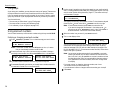
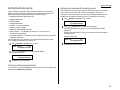
The passcode
Your machine has a passcode protection system which must be turned on in order to
use the security features listed above.
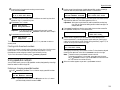
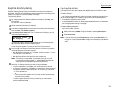
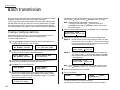
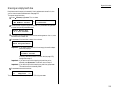
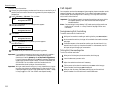
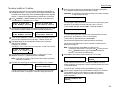
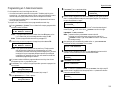
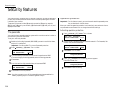
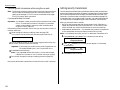
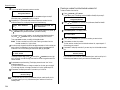
To set your machine’s passcode:
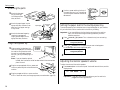
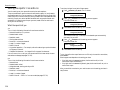
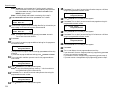
1
Decide on the four-digit passcode (0001–9999) you want to use. Write it down,
and put it in a safe place.
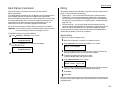
Operation protection
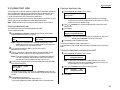
Important: For this feature to work, you must have activated the passcode protection, as described in the left column.
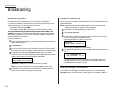
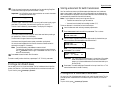
When your machine’s operation protection is activated, only users who enter the correct passcode can send faxes from it or change the machine’s settings.
Activating operation protection
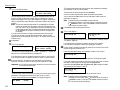
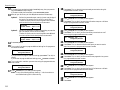
1
Press
2
3
4
5
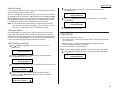
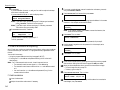
If you are creating a passcode, use the numeric keypad to enter 0000.
If you are changing an existing passcode, enter the existing passcode.
Press ENTER.
6
Press ENTER to save the passcode.
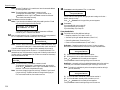
Note: Any time you want to turn off the passcode, change the passcode back to
0000 by repeating steps 2–6 and entering 0000 in step 5.
2.58
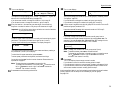
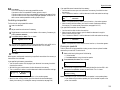
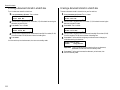
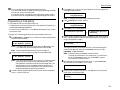
3
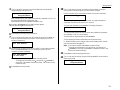
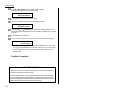
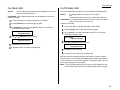
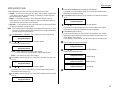
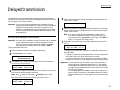
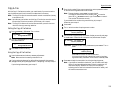
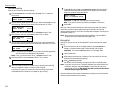
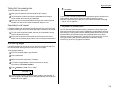
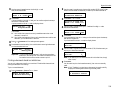
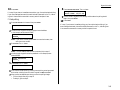
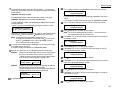
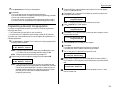
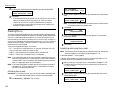
Press ENTER. The LCD shows:
Opr.Protect:
Off
Program/Enter
4
Press or /PROGRAM until the setting you want appears.
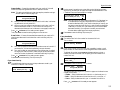
Here, we’ve chosen “On.”
Opr.Protect:
On
Program/Enter
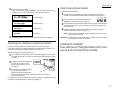
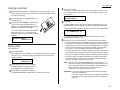
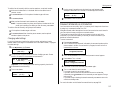
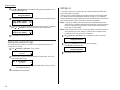
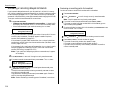
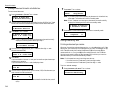
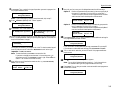
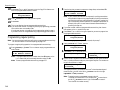
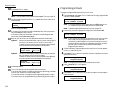
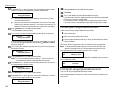
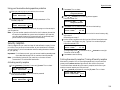
Enter the new four-digit passcode. Here, we’ve entered 6296:
Protect Passcode
New Passcode:
6296
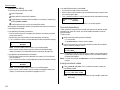
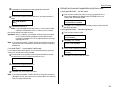
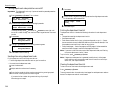
Use the numeric keypad to enter the passcode created in “The Passcode,” left
column. Here, we’ve entered 6296:
Set Opr. Protect
Enter Passcode: 6296
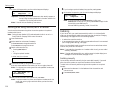
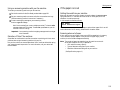
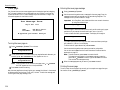
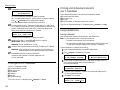
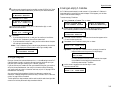
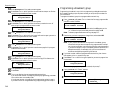
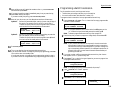
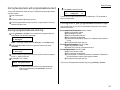
/PROGRAM, J, 1, 6, ENTER. The LCD shows:
Protect Passcode
Old Passcode:
****
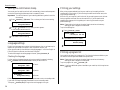
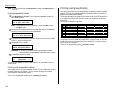
/PROGRAM, J, 1, 7, ENTER. The LCD shows:
Set Opr. Protect
Enter Passcode: ****
Important: Do not use 0000. This turns off passcode protection.
2
Press
5
Press ENTER to save the setting.