1
Operating the Measurement/Storage Module
Function 2
Function 2
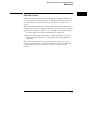
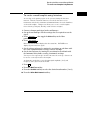
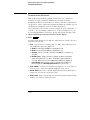
Function 2 will plot differential or integral waveforms, or perform an FFT
using the input signals connected to the vertical inputs (1 and 2), or using
the function 1 waveform.
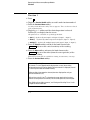
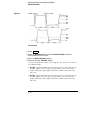
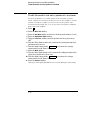
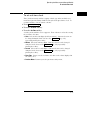
1 Press ± .
2 Toggle the Function 2 On Off softkey to enable math function number 2.
3 Press the Function 2 Menu softkey.
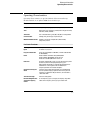
4 Toggle the Operand softkey until the desired source is selected.
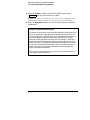
F1 uses the result waveform in function 1.
5 Press the Operation softkey until the desired operation is selected.
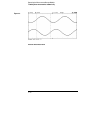
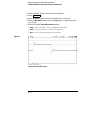
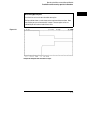
Results (F2) are displayed on the screen.
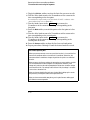
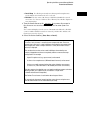
• dV/dt (differentiate) plots the derivative of the selected source using the
"Central Difference" formula. Equation is as follows:
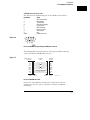
cn–cn+1+2i
dn+i =
∆t(2i+1)
Where
d = differential waveform
c = input 1, 2, or function 1
i = data point step size
∆t = point-to-point time difference
• ∫dt (integrate) plots the integral of the source using the "Trapezoidal Rule".
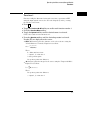
Equation is as follows:
In =
∆t
(cn+cn+1)
2∑
Where
∆t = point-to-point time difference
c = input 1, 2, or function 1
2–5