1
Running Acronis True Image (locale console)
This means you can automatically create disk images easily on a schedule (see
Chapter 10), not being bothered by zone overflow issues.
The Acronis Secure Zone can still be filled completely when creating incremental images (see
"Incremental images"). This happens because the program can't delete the first (full) image,
as it might be required for restoration. Thus you should periodically check zone free space,
when creating incremental images, to increase it, if necessary, or re-create images from the
first.
Acronis Secure Zone can be located on any local disk. It’s created at the expense of
the unallocated space, if it’s available, or at the expense of partitions free space. A
server can have only one Acronis Secure Zone. To create it on another disk, you
must first delete the existing zone.
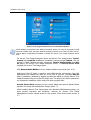
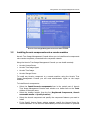
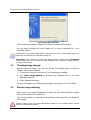
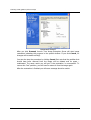
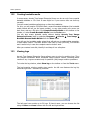
When you click Manage Acronis Secure Zone in the menu, the program searches
for such zone on all local drives. If a zone is found, the wizard will offer you to
delete or resize it. If such zone is absent, you’ll be prompted to create it.
Before you create the Acronis Secure Zone, estimate its size. To do this start image
creation and select disks and partitions to image into the Acronis Secure Zone. At
the compression level stage you will see estimated image size. Multiply this by
about 1.5. If you plan to install additional applications or create incremental images,
increase the zone size even more.
4.2.1
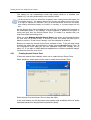
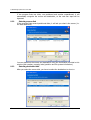
Creating Acronis Secure Zone
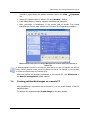
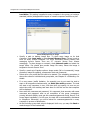
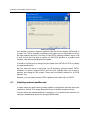
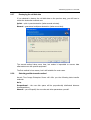
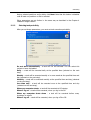
If there are several disks installed, select one to create Acronis Secure Zone.
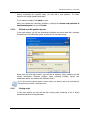
Select partitions, which space will be used to create Acronis Secure Zone.
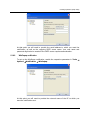
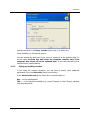
Enter the size of Acronis Secure Zone or drag the slider.
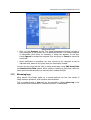
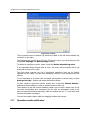
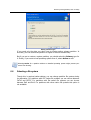
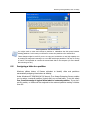
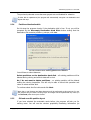
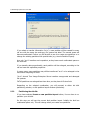
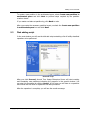
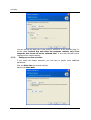
In the next window you will see secure zone creation script containing the list of briefly
described operations to be performed on partitions (disks).
32
Copyright © Acronis, Inc., 2000-2005