1
ARRIS Router Setup – Web GUI User’s Guide
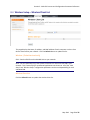
6.7 WAN SETUP – Routing (Technician Level Only)
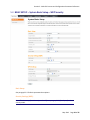
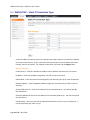
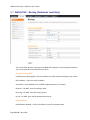
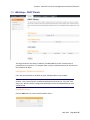
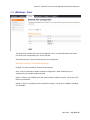
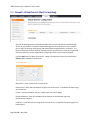
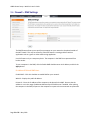
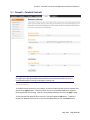
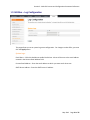
This screen allows dynamic routing to be enabled and configured. Only change these values if
your service provider recommends that you do so.
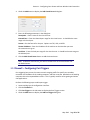
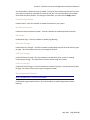
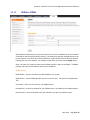
Dynamic Routing (RIP):
Enable Dynamic Routing (RIP) - Click this checkbox to enable Dynamic Routing on your system.
RIP IP Address – Enter the router IP address.
Auth Mode – Select Disabled, Text, or MD5 as appropriate for your network.
Keychain – For MD5, enter the keychain name.
Keystring – For MD5, enter the keystring name.
Key ID – For MD5, enter the RIP authentication key ID.
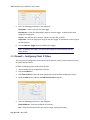
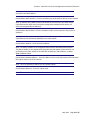
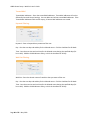
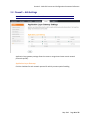
Routed Subnet:
Routed Subnet Enabled – Click this checkbox to route the selected subnet.
Page 52 of 95 May 2012