1
XJ-SK650_Setup_e.book 4 ページ
2013年1月28日 月曜日 午後8時5分
Getting Ready
Installation Location
The Projector System can be placed on a flat surface or it can be ceiling mounted.
Placing the Projector System on a Flat Surface
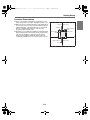
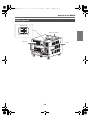
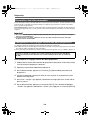
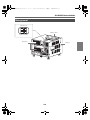
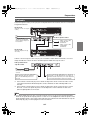
When placing the Projector System on a flat
surface, you need to install the four feet on the
bottom of the cabinet.
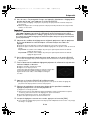
Screw each of the feet into the holes at the
corners on the bottom of the cabinet.
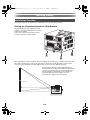
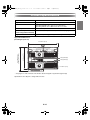
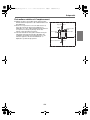
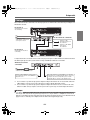
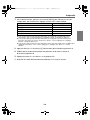
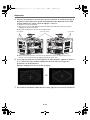
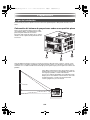
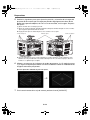
After attaching the feet to the cabinet, place the cabinet onto a table, desk, or stand or other level and
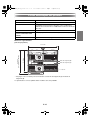
firm surface, making sure you allow enough space around it. The nearby illustration shows how the
Projector System should be oriented relative to the screen to achieve optimum projection.
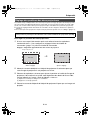
For information about the relationship between the
distance between the projectors and the screen and the
size of the projected image, see “Projection Distance
and Screen Size” in the projector User’s Guide. For
information about the User’s Guide, see “User
Documentation” (page E-1) in this manual.
Screen
E-4