1
BROWN UNIVERSITY: Barus & Holley: Auditorium
VCR Playback
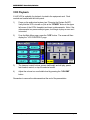
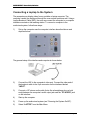
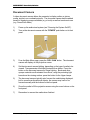
A VHS VCR is available for playback, located in the equipment rack. Deck
controls are handled with the touch panel.
1)
Power up the audiovisual system (see “Powering the System On/Off”).
Verify that the VCR is turned on (look at the “POWER” button in the upper
left corner of the VCR’s faceplate) and insert a videocassette. Note: if the
videocassette is a prerecorded program, it will begin to play as soon as it
is inserted.
2)
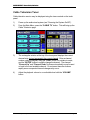
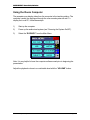
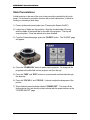
From the Main Menu page, press the “VCR” button. The screen will then
display the “VCR CONTROLS” page.
3)
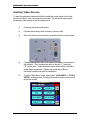
The transport control buttons operate traditionally and will play, pause,
fast-forward, rewind, or stop the selected media.
4)
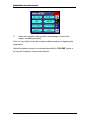
Adjust the volume to a comfortable level by pressing the “VOLUME”
button.
Remember to remove the videocassette at the end of the presentation.
Audiovisual System Operator’s Manual
Page 7