1
Epsilon Eb and EN Drives Reference Manual
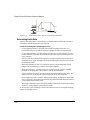
D/A
Black
(GND)
D/A
Yellow
Blue
10 Ohm
2
10 Ohm
2
GND
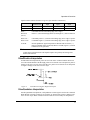
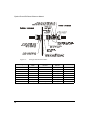
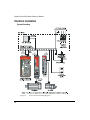
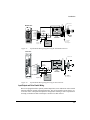
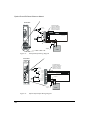
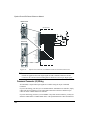
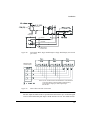
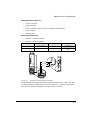
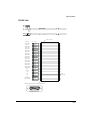
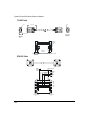
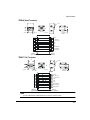
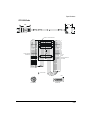
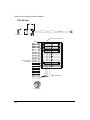
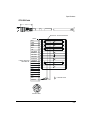
DGNE Cable
DGNE Cable
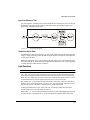
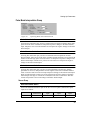
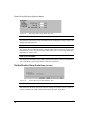
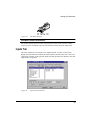
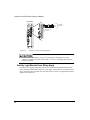
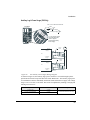
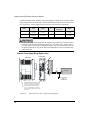
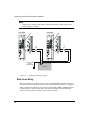
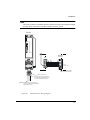
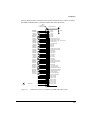
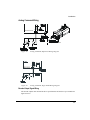
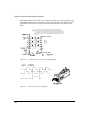
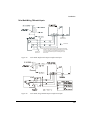
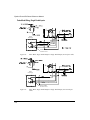
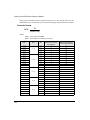
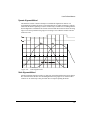
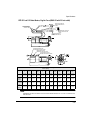
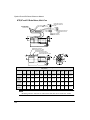
Figure 112:
GND 1
1
44
29
43
Command Connector
Pin #'s
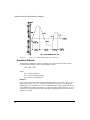
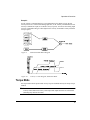
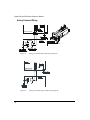
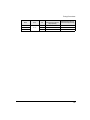
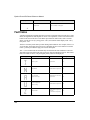
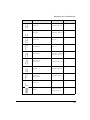
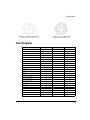
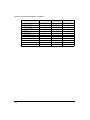
Diagnostic Cable (DGNE) Diagram
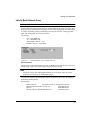
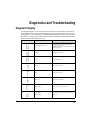
Drive Faults
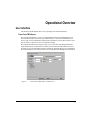
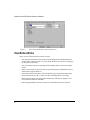
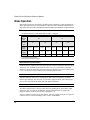
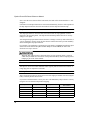
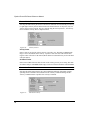
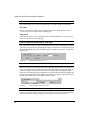
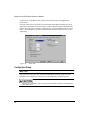
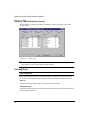
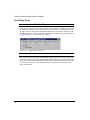
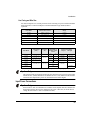
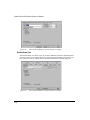
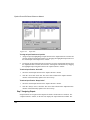
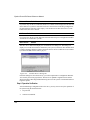
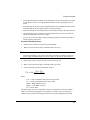
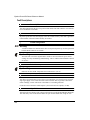
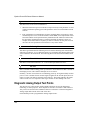
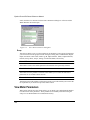
The Active Drive Faults dialog box is automatically displayed whenever a fault occurs. There
are two options in this dialog box: Reset Faults and Ignore Faults.
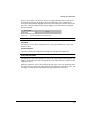
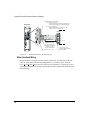
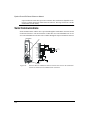
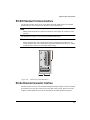
Figure 113:
Active Drive Faults Detected Dialog Box
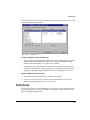
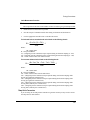
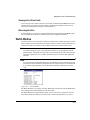
Resetting Faults
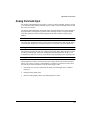
Some drive faults are automatically reset when the fault condition is cleared. Other faults
require drive power to be cycled or the drive to be “rebooted”. If you wish to continue
working in the PowerTools FM software without resetting the fault, click the Ignore Fault
button.
To reset faults that can be reset with the Reset Faults button, simply click the Reset Faults
button in the Drive Faults Detected dialog box or push the Reset button on the front of the
drive where the fault occurred.
154