1
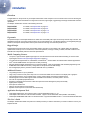
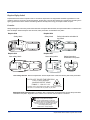
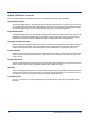
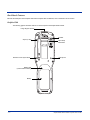
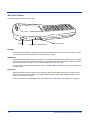
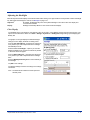
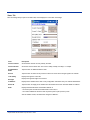
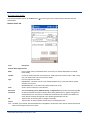
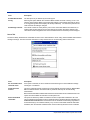
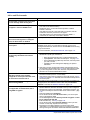
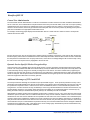
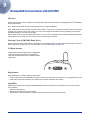
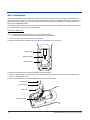
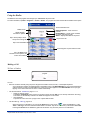
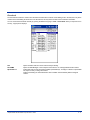
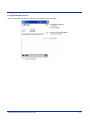
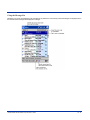
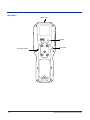
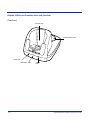
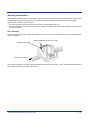
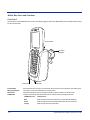
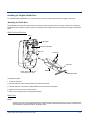
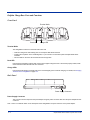
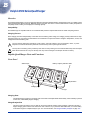
Terminal Well
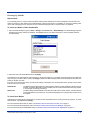
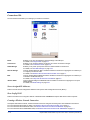
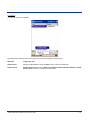
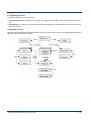
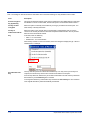
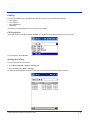
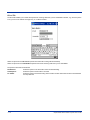
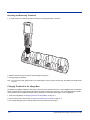
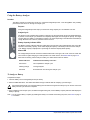
Place the Dolphin terminal in this well to communicate with a host device, power the terminal, and charge its battery
pack. If the host device is a desktop computer that uses ActiveSync, synchronization begins immediately. While seated
in the terminal well, the main battery installed in the terminal charges. The HomeBase completely charges a battery
pack in less than four hours.
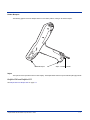
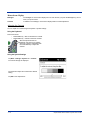
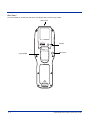
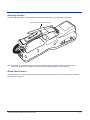
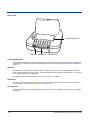
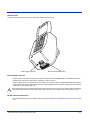
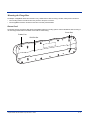
Auxiliary Battery Well
See Auxiliary Battery Well on page 12-4.
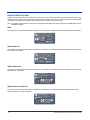
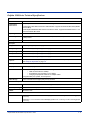
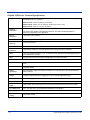
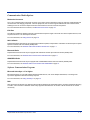
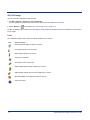
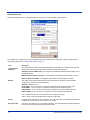
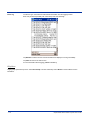
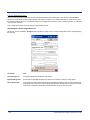
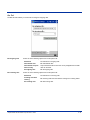
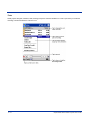
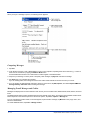
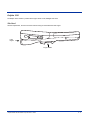
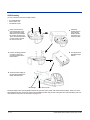
DOCK LED
Turns solid green when the Dolphin terminal is properly seated in the Dolphin HomeBase. When this light is on, the
terminal is connected to the base.
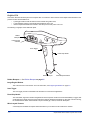
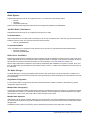
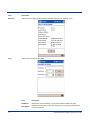
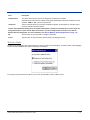
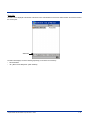
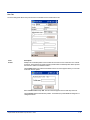
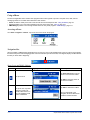
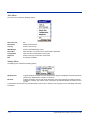
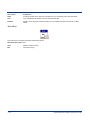
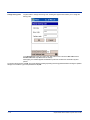
AUX Battery LED
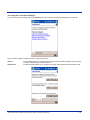
Indicates status of the battery charging in the auxiliary battery well.
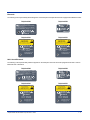
This color
means…
Orange
The auxiliary battery is charging.
Green
The auxiliary battery has completed charging and is ready for use.
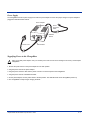
To see the auxiliary battery well, see Rear Panel on page 12-4.
For information about charging a battery in the auxiliary battery well, see page 12-7.
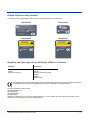
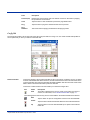
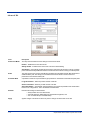
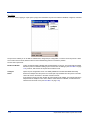
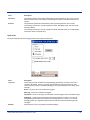
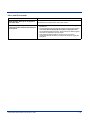
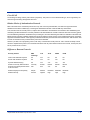
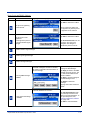
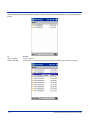
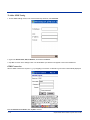
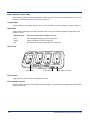
COMM LED
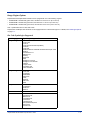
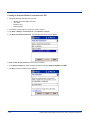
This is the communication LED. It indicates the status of data transfer between the Dolphin terminal and the host device.
The color of this LED differs if the HomeBase is using the serial or USB port connection.
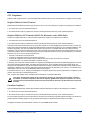
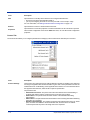
If using the serial port
This color
means…
Red
Serial data is being sent from the Host Device to the Dolphin HomeBase.
Green
Serial data is being sent from the Dolphin HomeBase to the Host Device.
Orange
Serial data is being sent at high data rates.
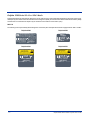
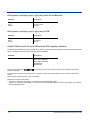
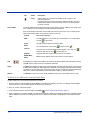
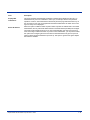
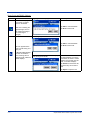
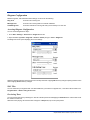
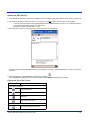
If using the USB port
This color
means…
Green LED
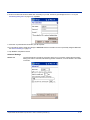
A USB Connection is established with the host computer.
Dolphin® 9500 Series Mobile Computer User’s Guide
12 - 3