1
5.Useful Functions
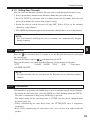
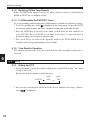
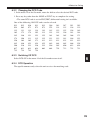
5.1.3 Setting Skip Channels
You can select the memory channels that you wish to skip during the memory-scan.
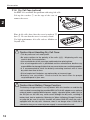
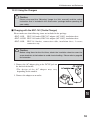
1. Select the memory channel in the Memory mode that you wish to skip.
2. Press the FUNC key for more than 2 seconds to enter the Set mode, and select the
menu 16 to display the current skip channel setting.
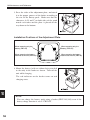
3. Rotate the dial to switch between ON and OFF. Select ON to set the memory
channel as a skip channel.
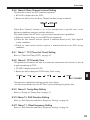
4. The 10MHz decimal point appears for the memory channel that is set as a skip channel.
NOTE:
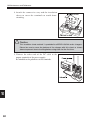
The Call channel and Repeater-Access memory are automatically skipped
during scanning.
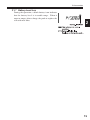
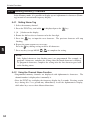
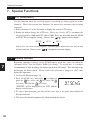
5.2 Keylock
5
Press the
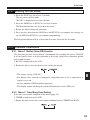
key for more than 2 seconds to set the Keylock function on, and repeat
the same to quit.
When the Keylock is on, the
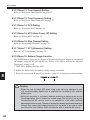
is displayed on the LCD.
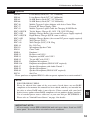
When the Keylock is on, other than the following, all operations are blocked.
* PTT
* LAMP * MONI * VOL
* SQL
* Tone-burst
* POWER ON/OFF
NOTE:
Keylock function can't be activated on the Repeater-Access function memory
channel.
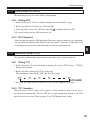
5.3 Tone-Burst
This function is to generate an audible tone to access repeaters mostly used in Europe.
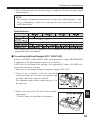
• To output the tone-burst tone, press the MONI key while holding down the PTT key.
The tone is transmitted as long as the MONI key is pressed.
The initial setting for the tone-burst tone is 1750Hz, but this can be changed in the
Set mode (page 44).
• While transmitting the tone-burst tone, the CTCSS/DCS tone is temporary
suspended.
• Even while transmitting the tone-burst tone, you can not hear audio from the
speaker.
33